
Gestorias

How to find and request a gestoria

Browse the gestoria catalog, compare services, and request access to connect your organization.

1 min readUpdated 10.07.2026

The gestoría catalog helps you discover accounting firms that support Fiscora collaboration. See how to review a gestoria profile and how to work with your accounting firm.
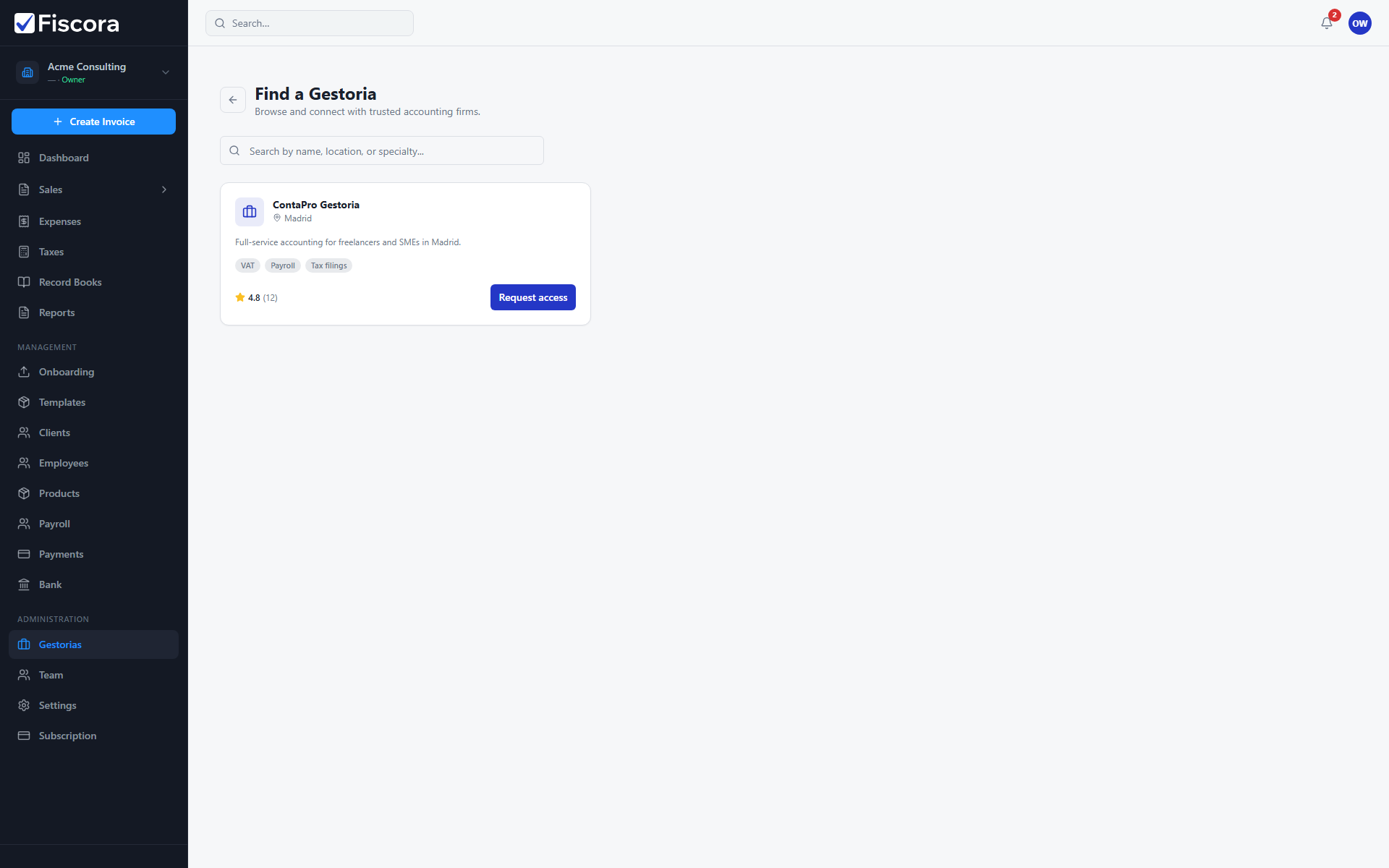
Gestoria catalog with firm card and Request access action.

Open the catalog

  1. Select Gestorias in the left navigation.
  2. Open the catalog from the gestorias page or go directly to the catalog route.
  3. Use the search field to filter by name, location, or specialty tags.

Review a firm

  1. Read the catalog description, specialties, and listed services.
  2. Open a firm profile for more detail when you need pricing or team information.

Request access

  1. Select Request access on an available firm card.
  2. Confirm contact details and submit the request.
  3. Track pending requests from the main gestorias page until the firm accepts.

Was this article helpful?

Still need help?

Share the context and we'll reply with practical guidance from support.

Open request

You may also find these useful

Gestorias

How to work with your accounting firm

Find a gestoria, request access, approve invitations, and manage what your accountant can see.

Read article
Gestorias

How to share documents with your firm

Control which invoices, expenses, and other modules your connected accounting firm can access.

Read article
Gestorias

How to understand firm requests and follow-ups

Track outgoing access requests, respond to incoming gestoria invitations, and know what happens after you approve.

Read article