
Payroll

How to configure payroll organization settings

Set payslip branding, TGSS due-date rules, and payroll prerequisites from organization settings.

1 min readUpdated 10.07.2026

Payroll organization settings control payslip branding and compliance helpers used across payroll runs. See how to run payroll and how to manage employees.
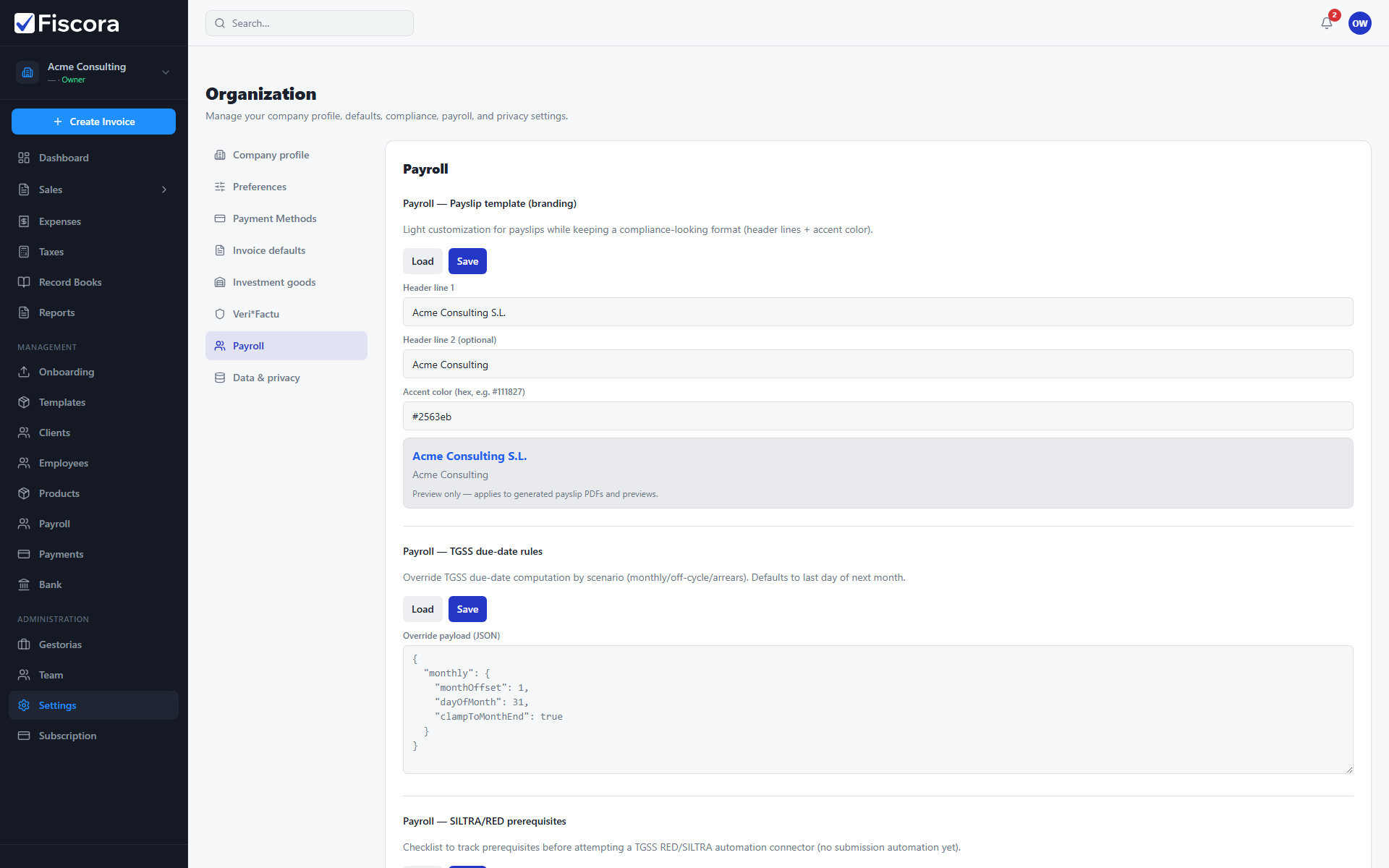
Organization payroll settings with payslip template branding fields.

Open payroll settings

  1. Select Settings in the left navigation.
  2. Choose the Payroll section in the settings sidebar.

Payslip template

  1. Set header lines and accent color for PDF payslips.
  2. Use the preview box to confirm how employee names and company details will appear.
  3. Save when branding matches your company identity.

Compliance helpers

  1. Review TGSS due-date rules and RED prerequisites when your payroll process requires them.
  2. Update SS topes for the active fiscal year if your advisor provides official values.

Was this article helpful?

Still need help?

Share the context and we'll reply with practical guidance from support.

Open request

You may also find these useful

Payroll

How to manage employees

Add and maintain employee records used for payroll, IRPF withholding, and bank payouts.

Read article
Payroll

How to run payroll

Create a payroll run, calculate payslips, approve results, and export SEPA or summary files.

Read article
Payroll

How to onboard a new employee

Use the employee onboarding wizard to capture identity details and continue payroll setup.

Read article