
Payroll runs group employee calculations for a period. See how to manage employees, how to configure payroll org settings, and how to review a payroll run.
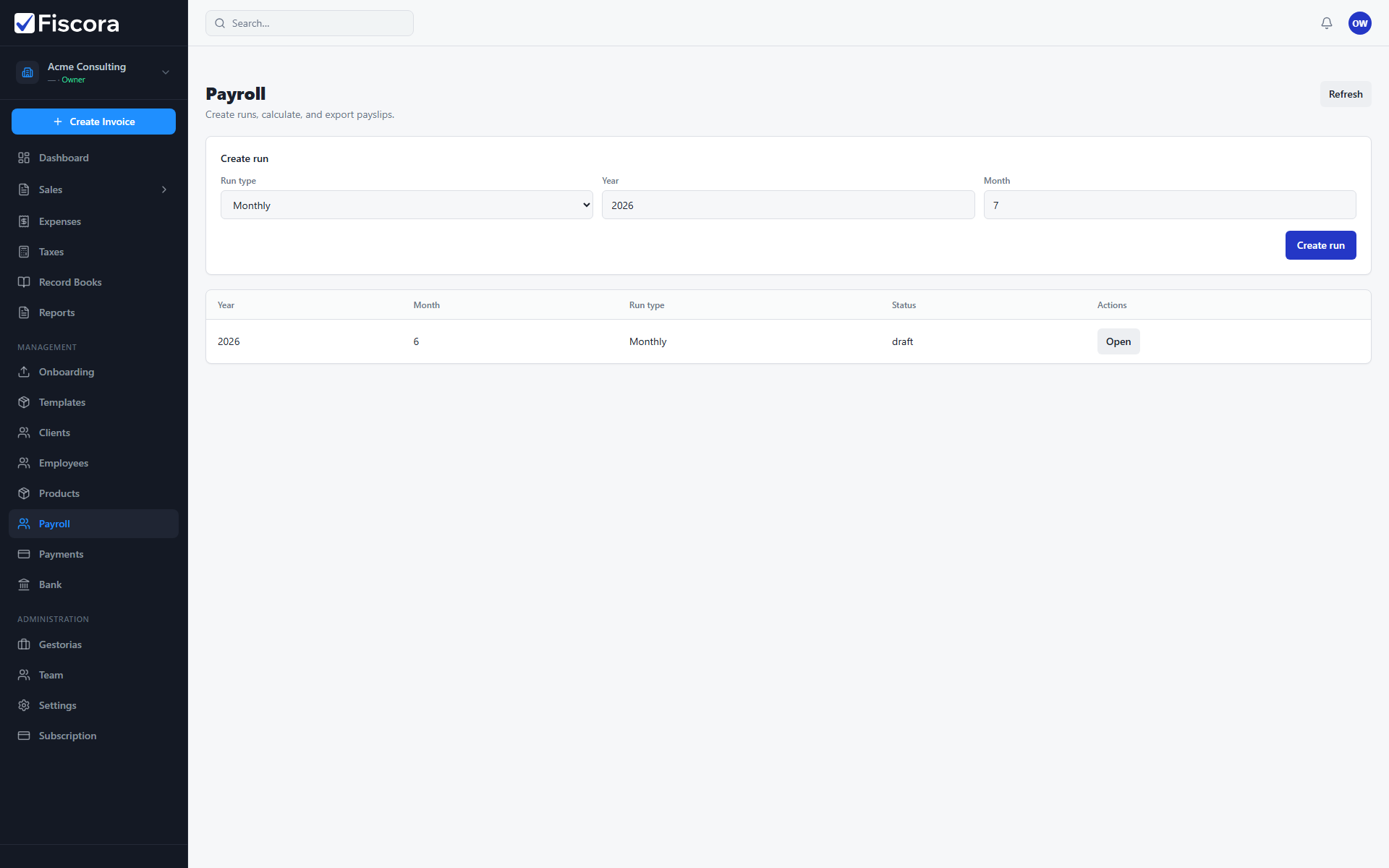
Create a run
- Open Management and select Payroll.
- Choose run type (monthly or off-cycle), year, and month.
- For off-cycle runs, optionally load and select employees.
- Select Create run to open the run detail page.
Calculate and approve
- Review employee inputs and earnings on the run page.
- Run Calculate to generate payslip amounts.
- Fix validation issues if any employee or organization data is missing.
- Approve the run when totals look correct.
Pay and export
- Use Pay & close to download the SEPA batch when IBANs are complete.
- Export payslips or summary CSV files for your records.
- Closed runs remain available for audit and tax reporting.