
Payroll

How to manage employees

Add and maintain employee records used for payroll, IRPF withholding, and bank payouts.

1 min readUpdated 10.07.2026

Employee records store the identity, tax, and payment details your organization needs before running payroll. See how to onboard a new employee and how to complete an employee profile.
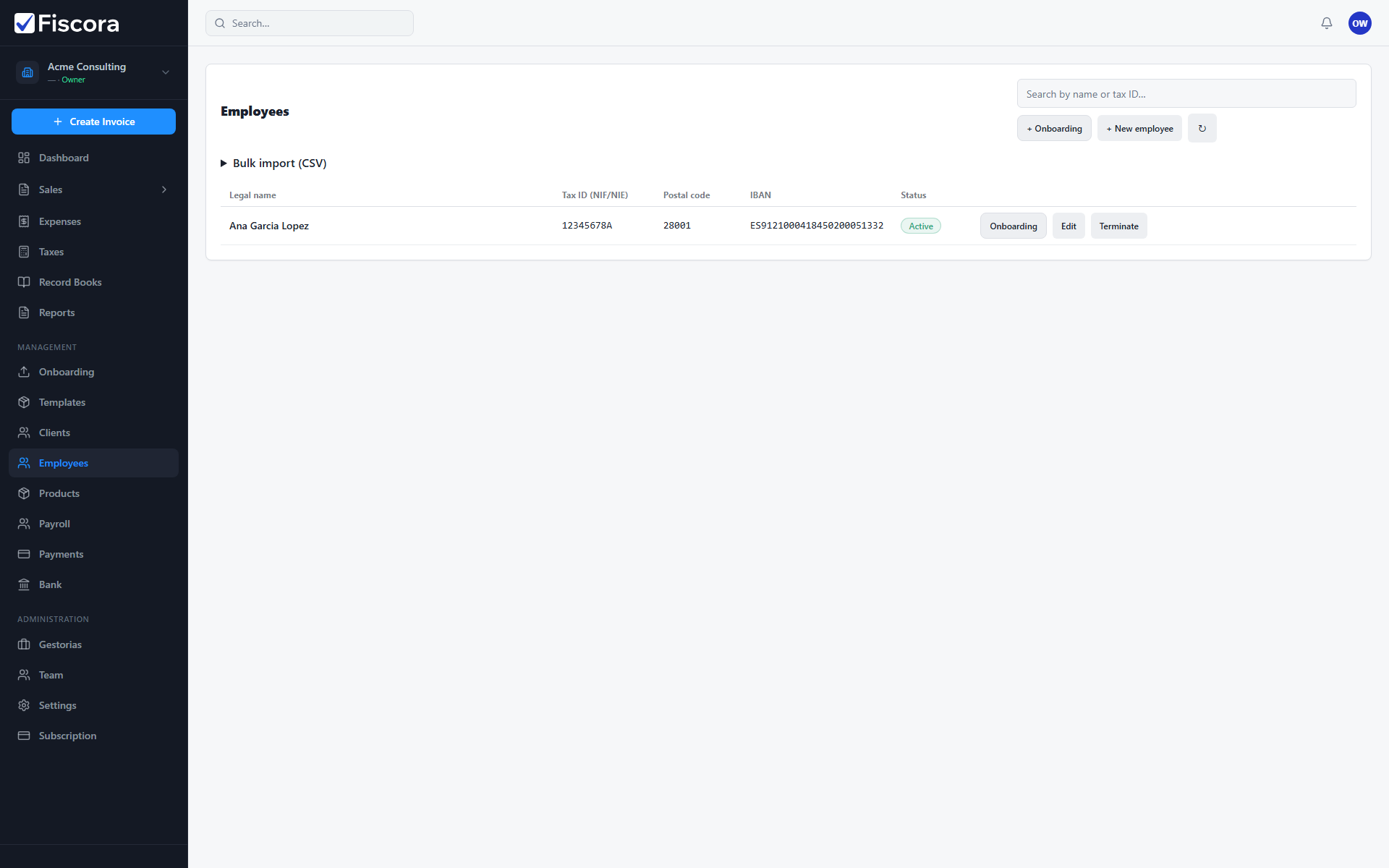
Employees list with New employee action and an active employee record.

Open employees

  1. Expand Management in the left navigation.
  2. Select Employees.
  3. Search by legal name or tax ID when the list grows.

Add an employee

  1. Select New employee for a quick record, or use Onboarding for the guided wizard.
  2. Enter legal name, tax ID (NIF/NIE), postal code, and IBAN.
  3. Save the record so the employee appears in payroll runs.

Bulk import

  1. Use the CSV import panel when you need to load several employees at once.
  2. Prepare a file with headers such as legalName, taxId, and postalCode.
  3. Run Preview first, then import when the summary looks correct.

Was this article helpful?

Still need help?

Share the context and we'll reply with practical guidance from support.

Open request

You may also find these useful

Payroll

How to run payroll

Create a payroll run, calculate payslips, approve results, and export SEPA or summary files.

Read article
Payroll

How to onboard a new employee

Use the employee onboarding wizard to capture identity details and continue payroll setup.

Read article
Payroll

How to configure payroll organization settings

Set payslip branding, TGSS due-date rules, and payroll prerequisites from organization settings.

Read article