
Tax reports turn your invoicing and expense data into draft AEAT models. See how to generate a tax report, how to review Model 303, and how to generate libros registro.
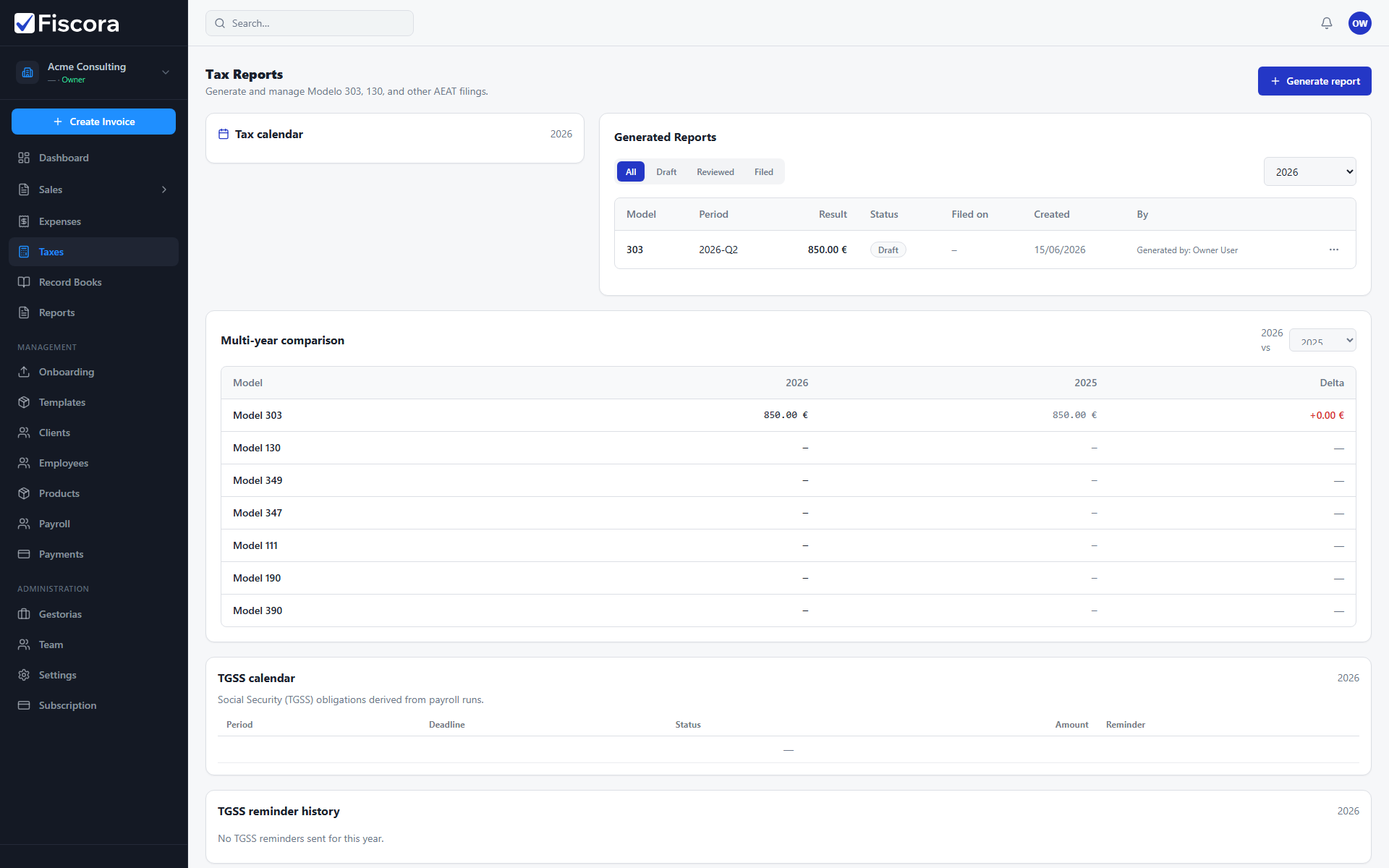
Open tax reports
- Select Taxes in the left navigation.
- Review the calendar and existing reports for the fiscal year.
- Use status tabs to filter draft, reviewed, and filed reports.
Generate a report
- Select Generate report.
- Choose the model, fiscal year, and quarter or period.
- Confirm generation and wait for Fiscora to calculate the draft values.
Review before filing
- Open a draft report to inspect calculated boxes and warnings.
- Mark the report as reviewed when the figures look correct.
- Export CSV or AEAT files if you need to submit outside Fiscora.
- Mark as filed after submission and store the AEAT reference when available.