
Fiscora does not use a separate archive state for clients. When a customer relationship ends, you remove the client record after confirming it is no longer needed — see how to edit client details to update instead of delete.
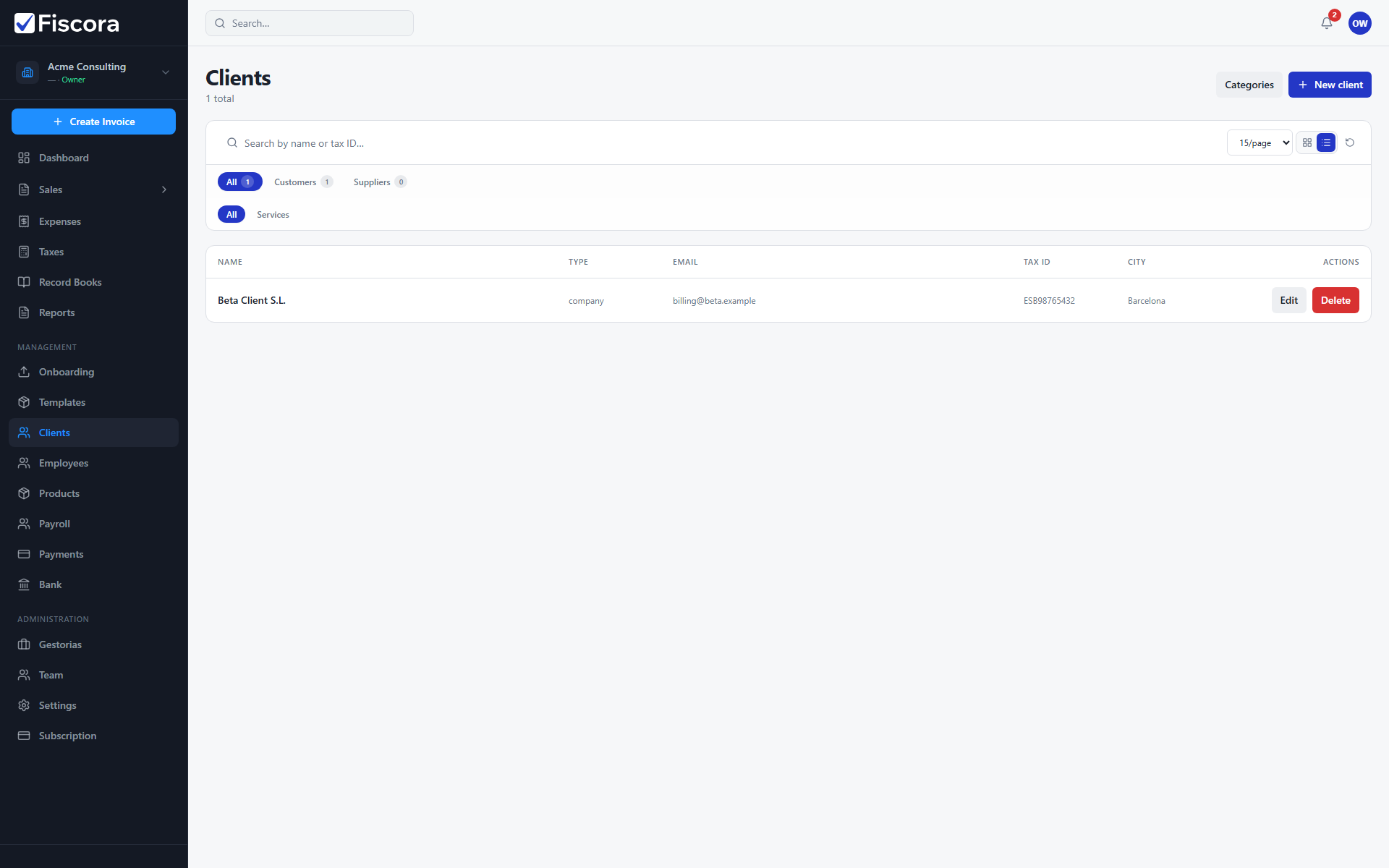
Review before deleting
- Open Clients and search for the record you want to clean up.
- Confirm the client is not needed for upcoming invoices or recurring schedules.
- Check whether issued invoices already reference the client for historical records.
Delete an obsolete client
- Open the client row in table or card view.
- Select Delete.
- Confirm the deletion and enter your password if prompted.
- The client disappears from the active list once deletion succeeds.
Keep the list useful
- Prefer editing client details instead of deleting when only contact information changed.
- Use role and category filters — see how to search and filter clients — to separate active customers from suppliers.
- Remove test or duplicate clients created during onboarding so search stays fast.