
Keeping client records complete makes invoicing faster and reduces mistakes in legal and contact data.
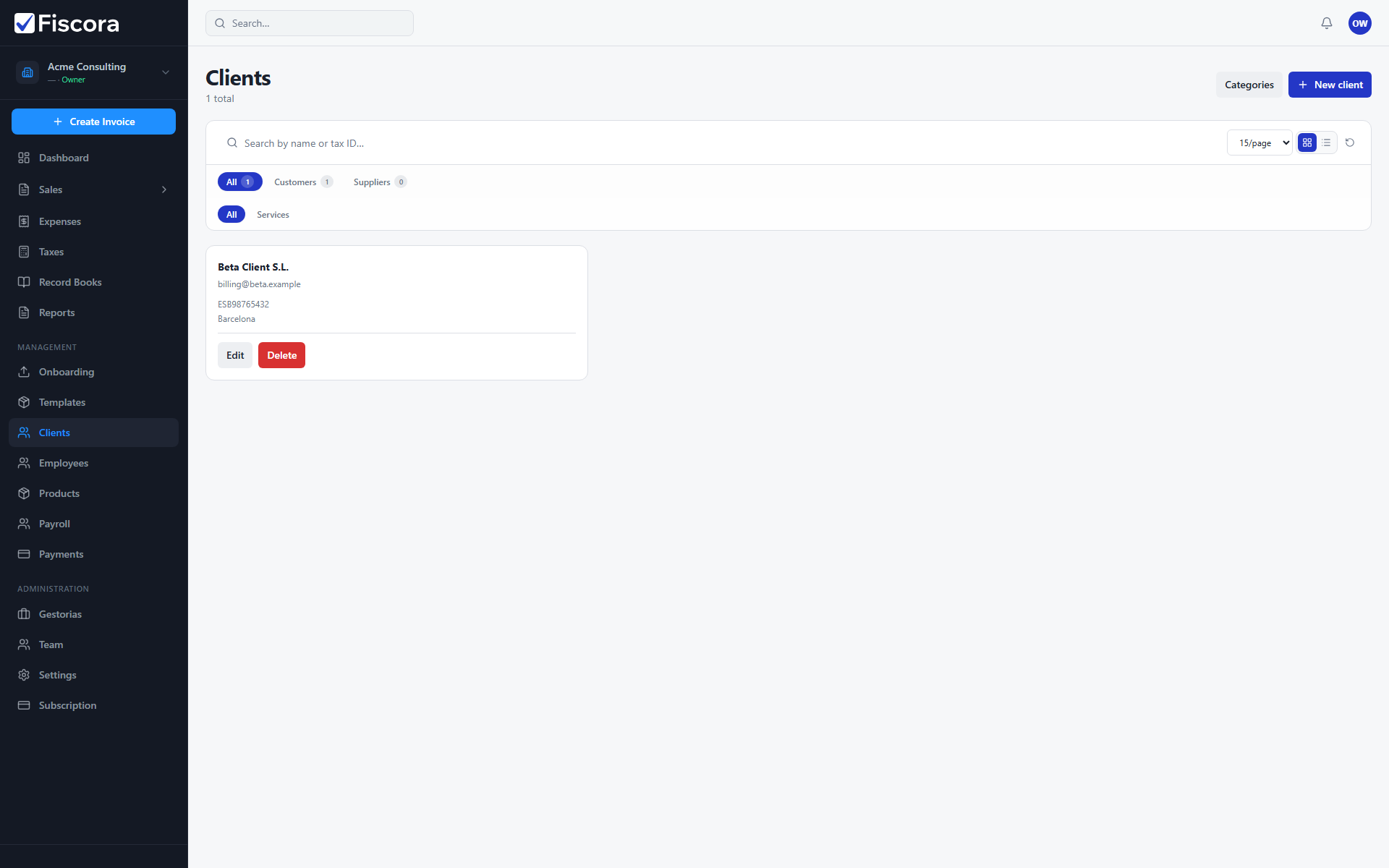
Open the clients area
- Select Clients in the left navigation.
- Use the search field to find an existing client by name or tax identifier.
- Select New client to create a fresh record, or follow how to create a client for step-by-step instructions.
- To update an existing record, see how to edit client details.
When to update a client
- When a customer changes legal name or billing details.
- When you need to add missing contact data before sending an invoice.
- When you want to keep your client list clean and easy to search.