
Keeping client records accurate prevents invoice delivery issues and ensures tax and billing fields are correct on every new document. See how to handle client tax details for tax fields.
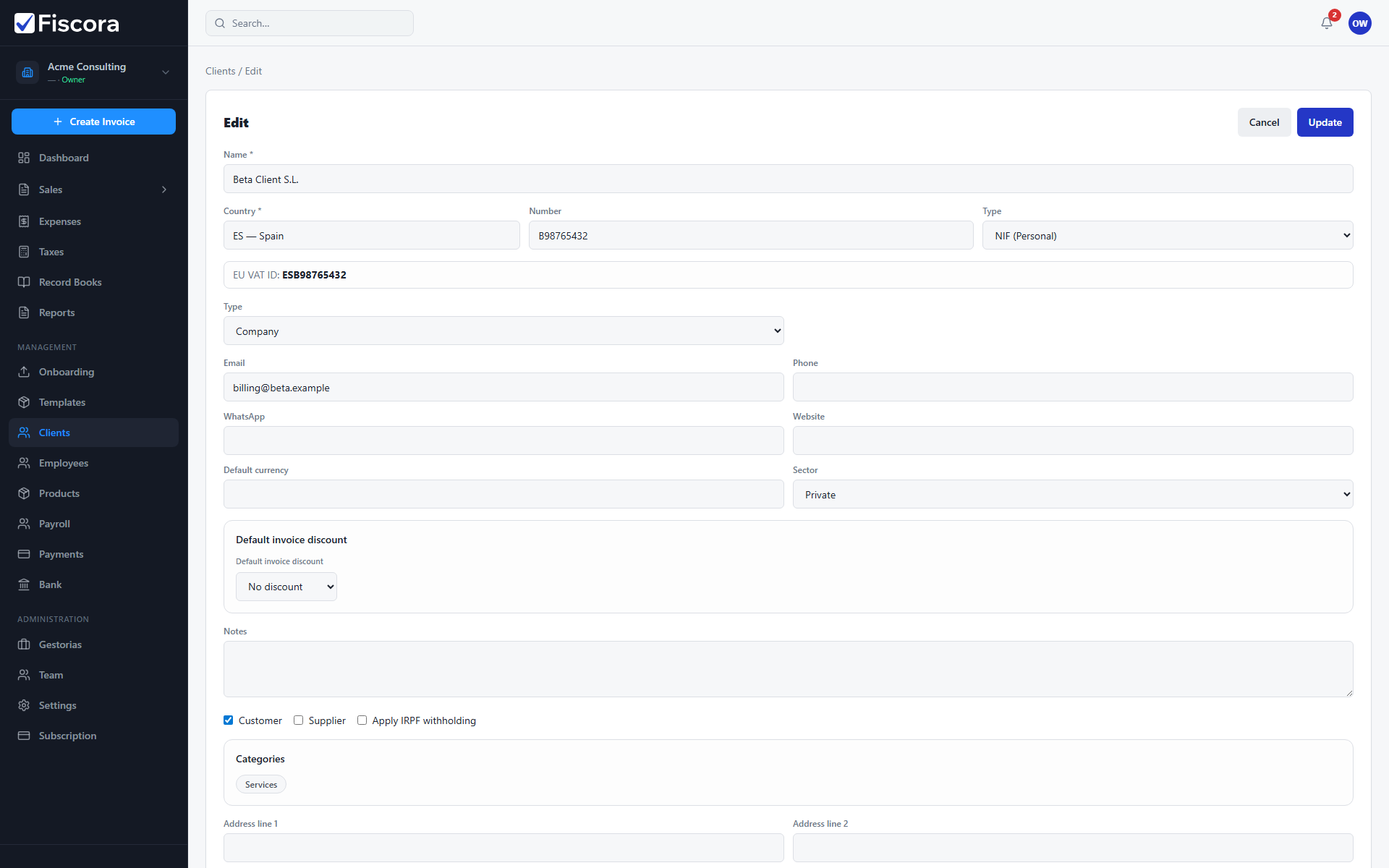
Open the client to edit
- Select Clients in the left navigation.
- Use the search field to find the client by name or tax ID if needed.
- Open the client from the list to open the editor.
Update and save
- Change contact details such as email, phone, or billing address.
- Update legal name or tax ID if the customer’s billing identity changed.
- Review city, postal code, and country fields used on invoices.
- Select Save to store your changes.
When to edit before invoicing
- Update the client before creating a new invoice if email or tax details changed.
- Existing issued invoices keep the details they had at issue time.
- Accurate client data also helps when sending invoices by email from the invoices list.