
The clients list combines search, role tabs, and optional category filters so you can narrow a long customer directory quickly. See how to manage clients for the clients overview.
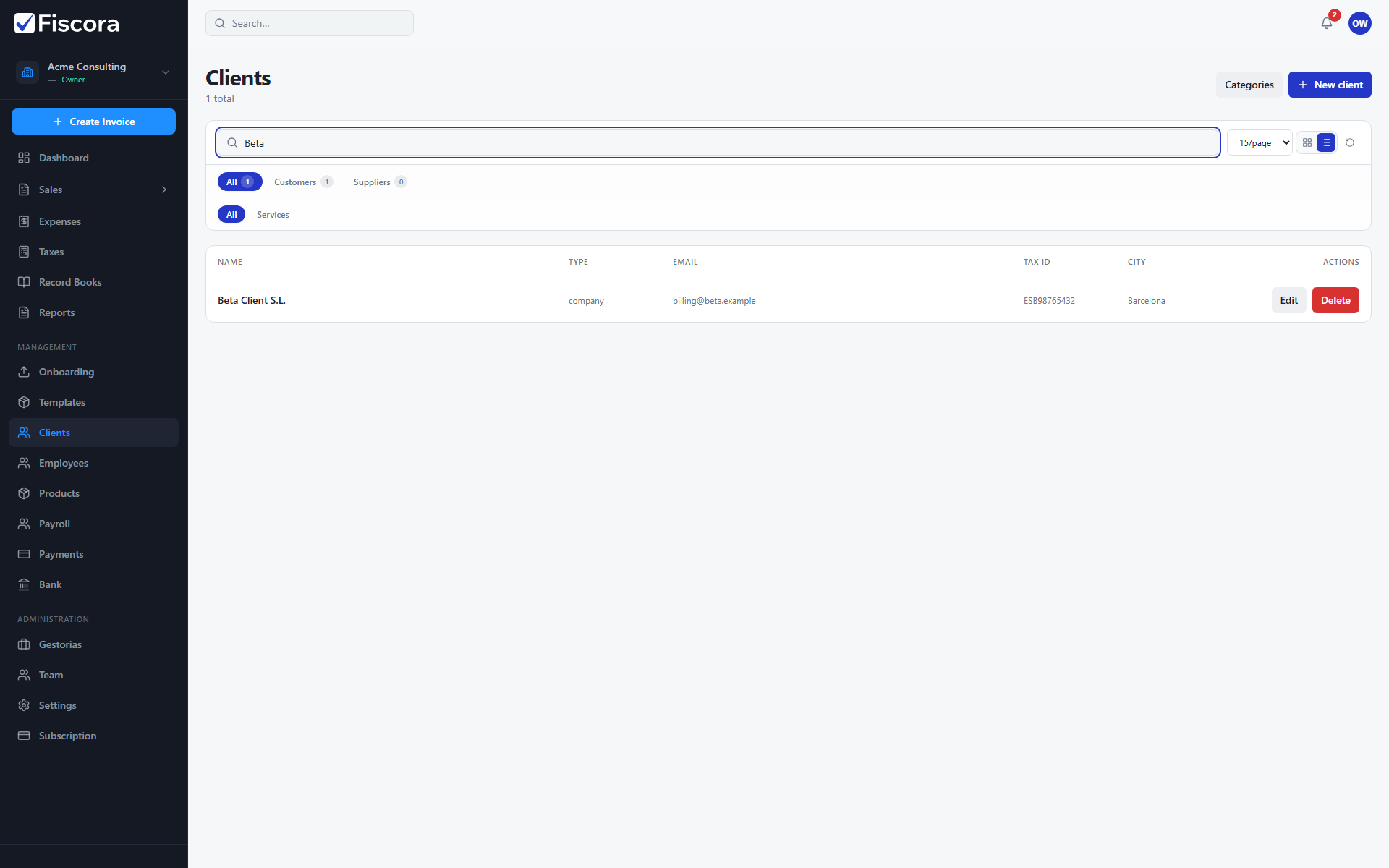
Search by name or tax ID
- Select Clients in the left navigation.
- Type in the search field at the top of the list.
- Results match client names and tax IDs.
- Clear the search field to return to the full list.
Filter by role
- Use the tabs to show All, Customers, or Suppliers.
- Counts on each tab show how many records match that role.
- Combine role tabs with search when you need a specific supplier or customer.
Filter by category
- When your organization uses client categories, additional category chips appear below the role tabs.
- Select a category to limit the list to clients tagged with that label — see how to manage client categories.
- Select All again to remove the category filter.
Change list view
- Switch between card and table view using the icons next to the page-size control.
- Adjust items per page if you manage a large client directory.
- Use the refresh control to reload the list after changes made elsewhere.