
Clients

How to manage client categories

Create and assign category labels to organize customers and suppliers in the list.

1 min readUpdated 10.07.2026

Categories help you filter long client directories and keep customer groups consistent. See how to search and filter clients and how to manage clients.
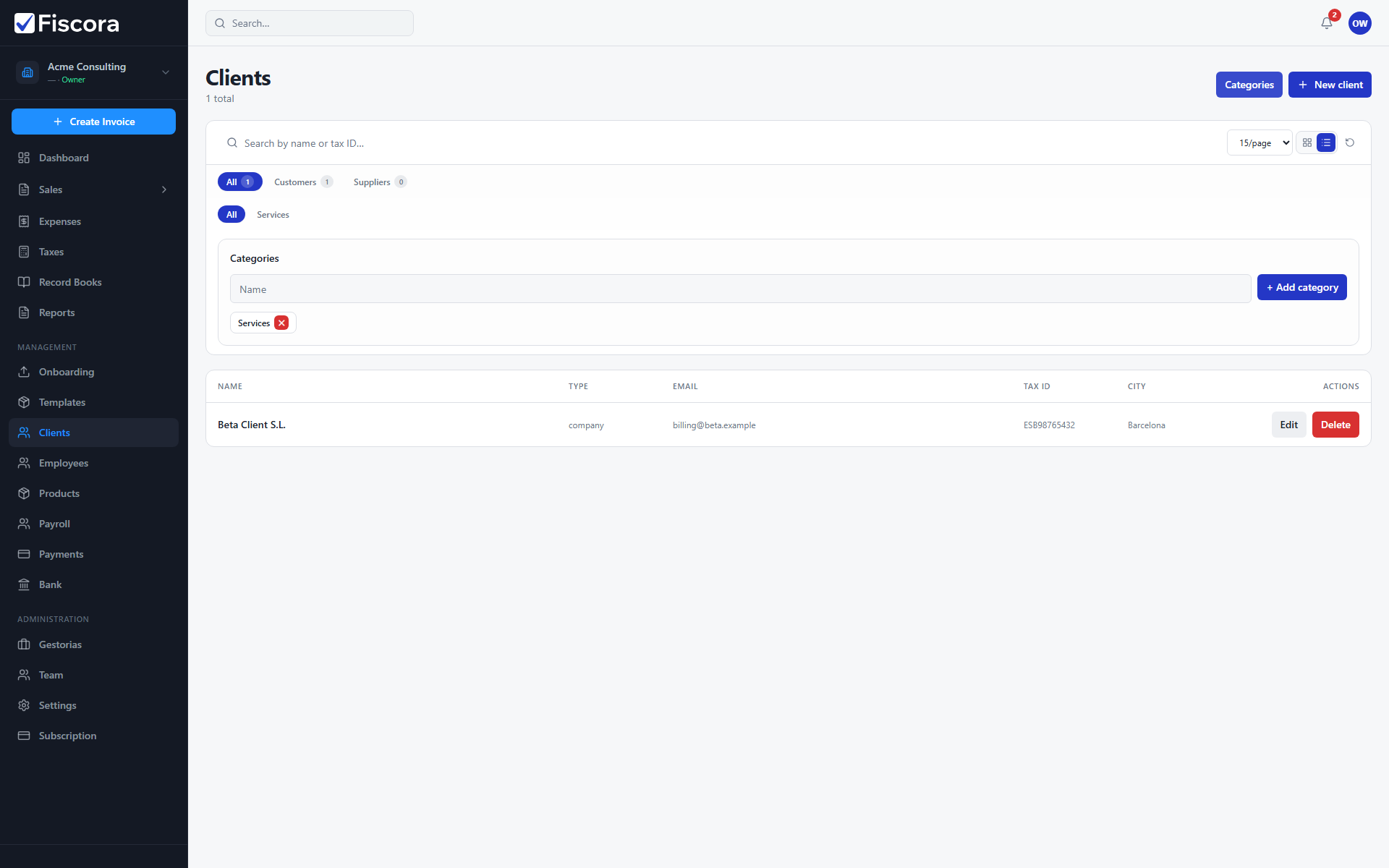
Clients page with category manager open showing add category controls.

Manage categories

  1. Open Clients.
  2. Select Categories in the page header.
  3. Add a category name and save.
  4. Assign categories to clients from the list or editor.

Was this article helpful?

Still need help?

Share the context and we'll reply with practical guidance from support.

Open request

You may also find these useful

Clients

How to manage clients

Use the clients area to review customer records, add new contacts, and keep billing details accurate.

Read article
Clients

How to create a client

Add a new customer record with legal, contact, and billing details before you start invoicing.

Read article
Clients

How to edit client details

Update a customer record when contact, billing, or tax information changes before your next invoice.

Read article