
Correct tax ID data prevents delivery and compliance issues on issued invoices. See how to handle client tax details and how to edit client details.
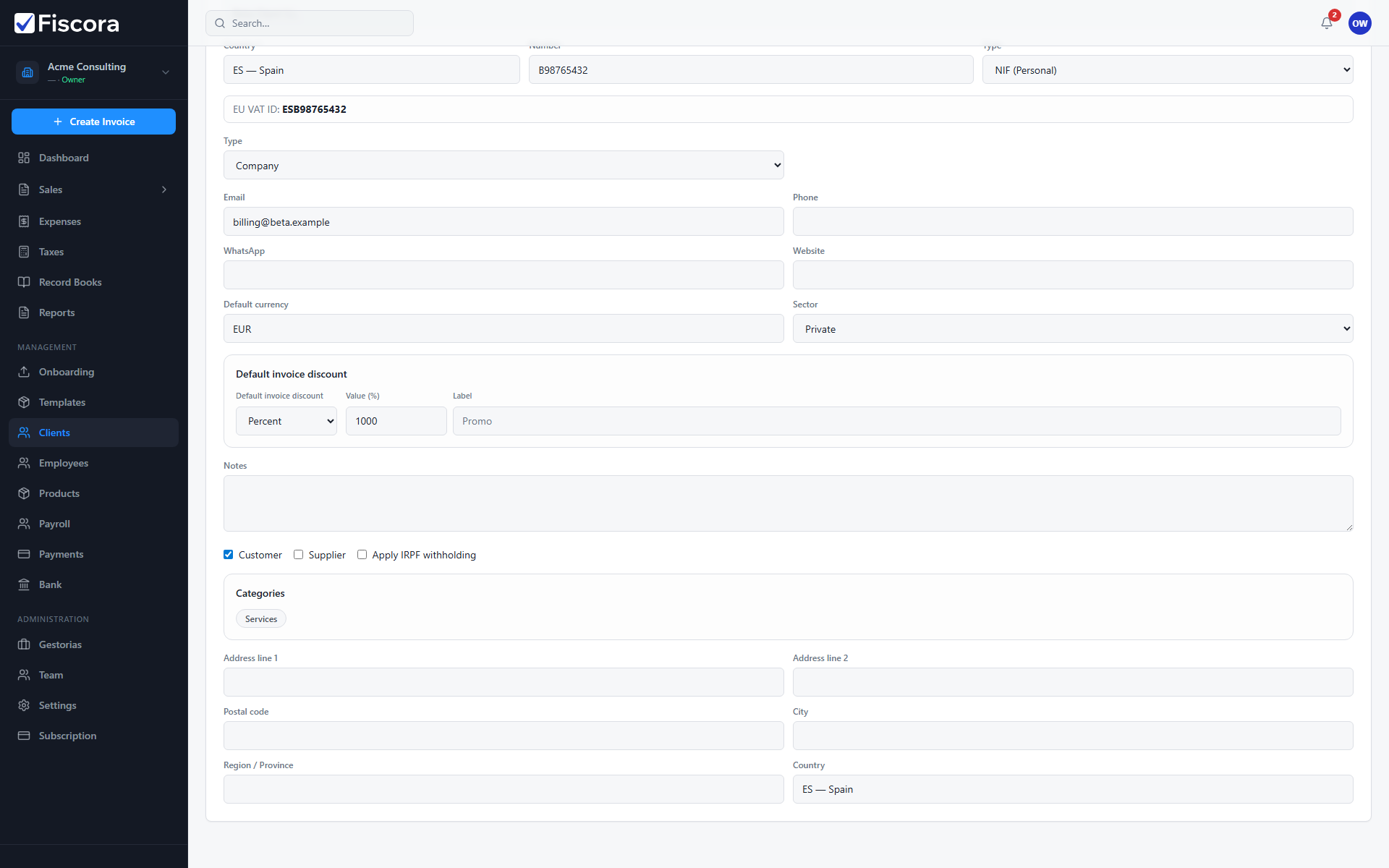
Open the client tax section
- Open Clients and edit the customer record.
- Scroll to the tax ID section.
- Confirm country, number, and identifier type match official documents.
Save changes
- Update fields when the customer legal identity changed.
- Save the client before creating new invoices.
- Existing issued invoices keep the details they had at issue time.