
Client billing defaults pre-fill common invoice values for a specific customer. See how to create a client when setting up new records, and how to start a new invoice to use them.
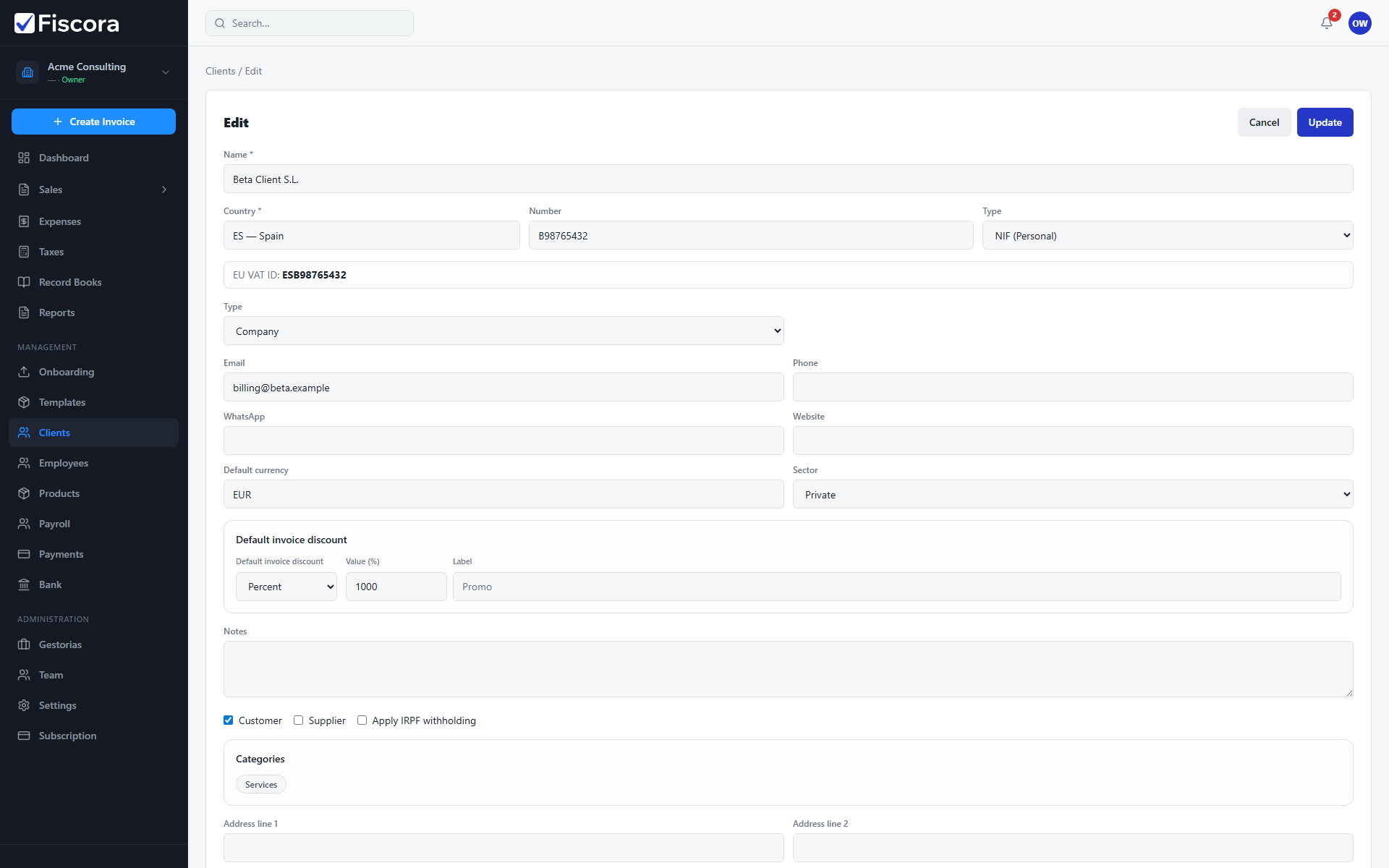
Open the client record
- Select Clients in the left navigation.
- Create a new client or open an existing one to edit.
- Scroll to the billing defaults section of the form.
Set defaults
- Enter a Default currency when this client is billed in a currency different from your organization default.
- Configure a Default invoice discount if this customer usually receives the same discount type.
- Save the client record.
How defaults are used
- New invoices for that client can inherit the saved currency and discount values.
- You can still override defaults on each individual invoice before issuing.
- Update client defaults when contract terms change instead of editing every open draft.