
Use a new organization when a separate legal entity needs its own invoices, clients, and settings. See how to switch between organizations and how to set up your workspace on day one.
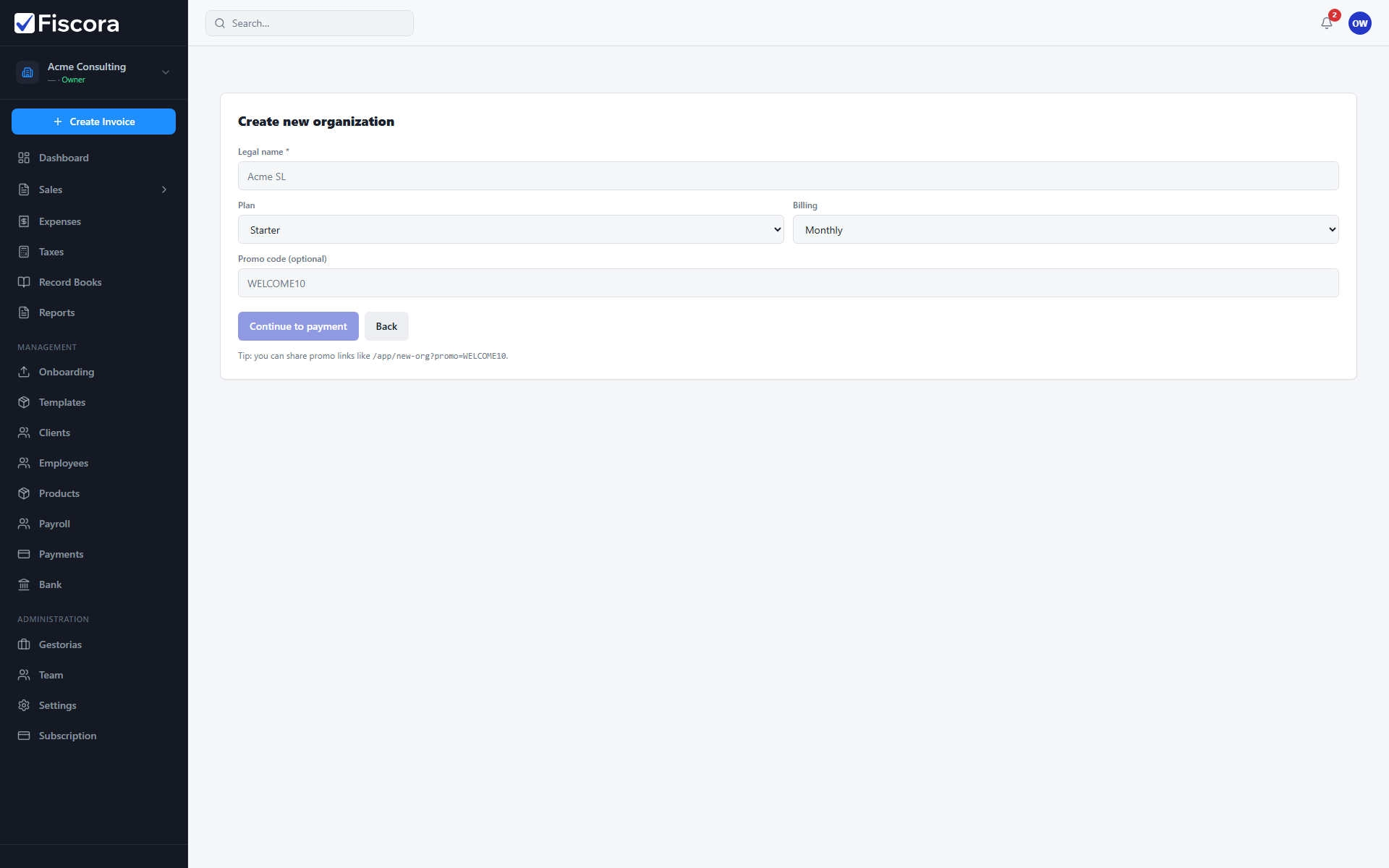
Start a new organization
- Open the new organization flow from the workspace switcher or team area.
- Enter the legal name for the new company.
- Choose plan and billing interval.
- Continue to payment if required, then complete setup.