
If your user belongs to more than one organization, switch the active workspace to work on the correct company data. See how to create another organization and how to manage multi-company or firm relationships.
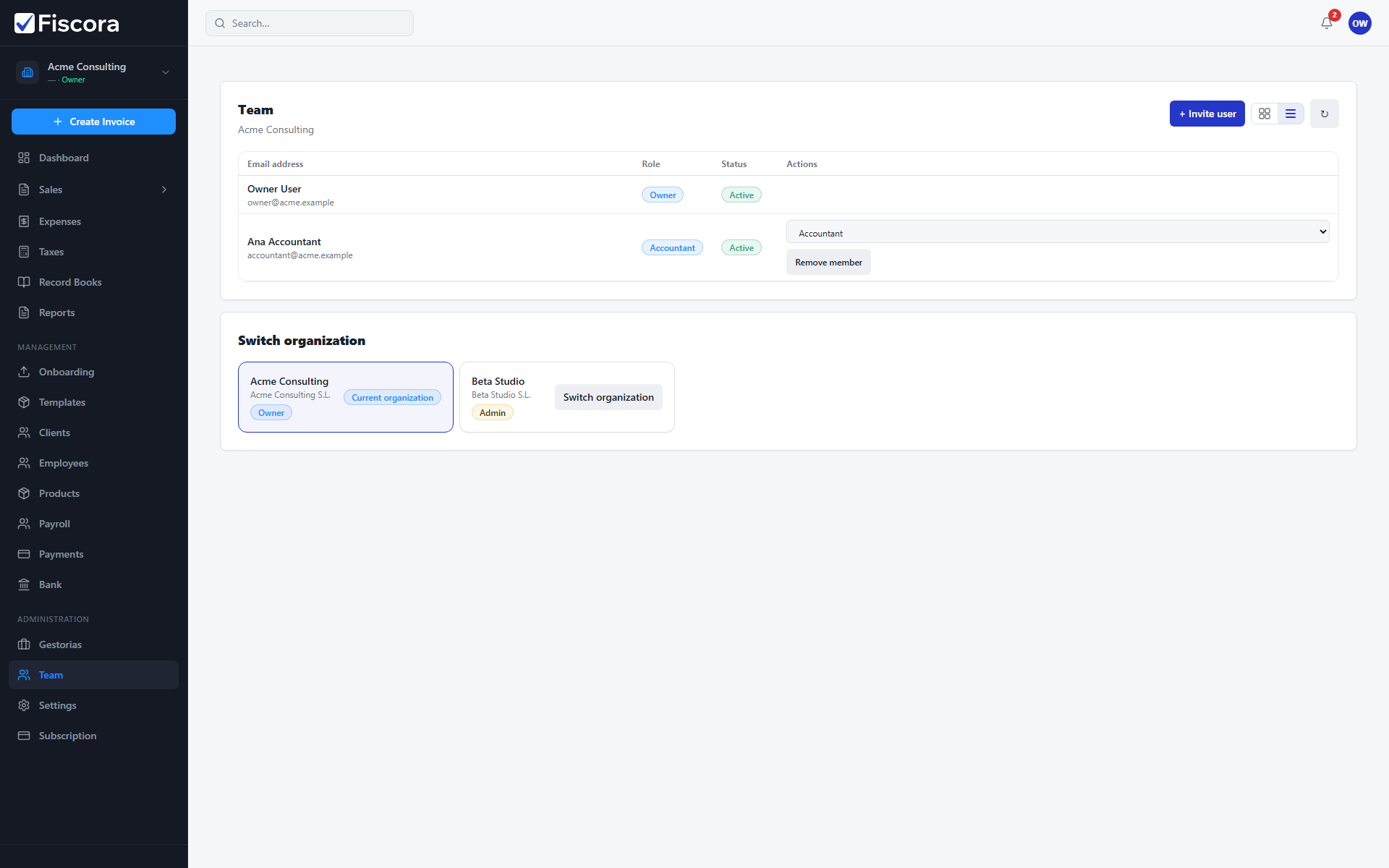
Switch organization
- Open Team from the sidebar.
- Find the Switch organization section.
- Select the company you want to work on.
- Wait for the workspace to reload with that organization's data.