
One user can belong to multiple organizations, for example when you run more than one company. See how to switch between organizations and how to create another organization.
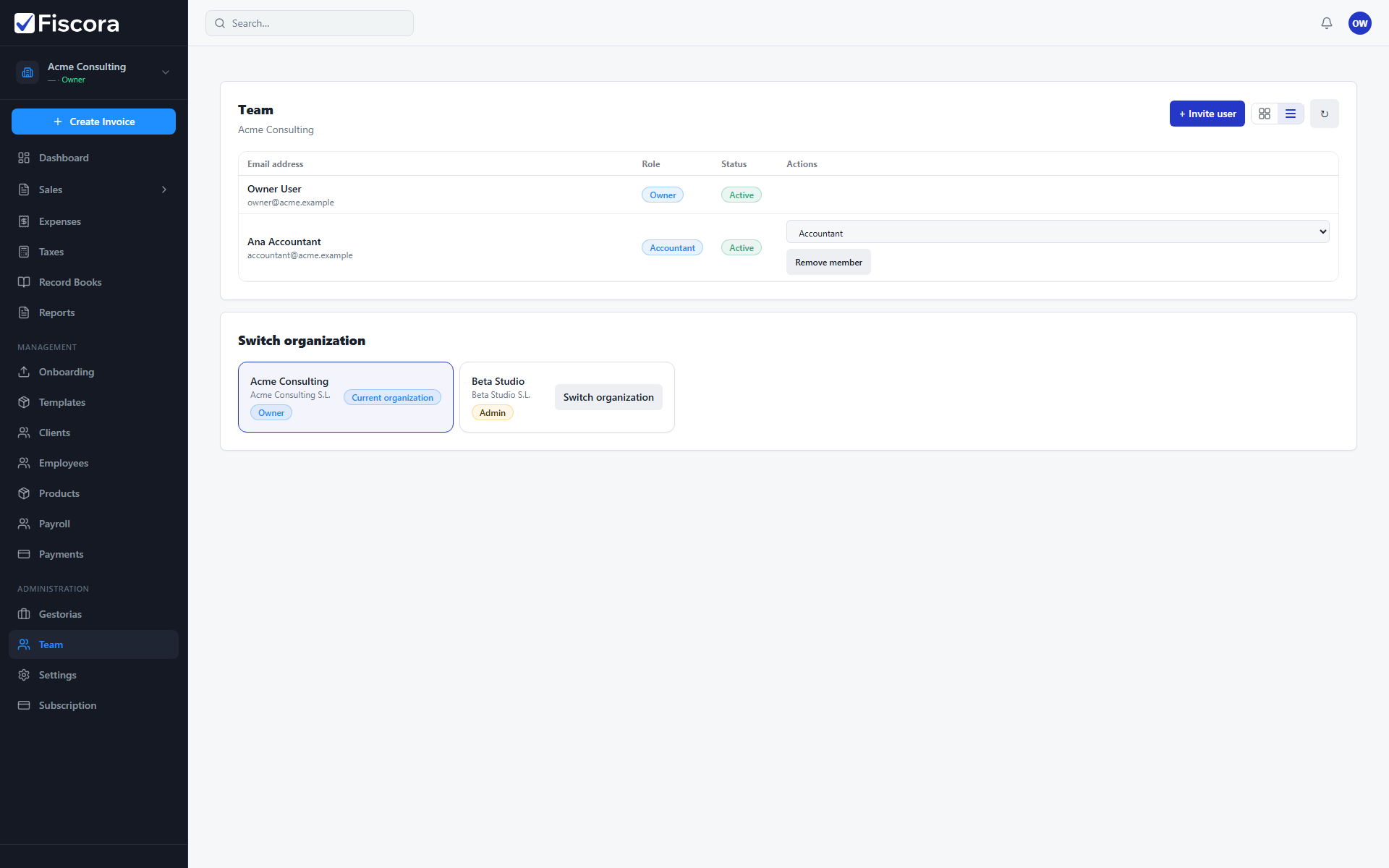
Switch organization
- Select Team in the left navigation.
- Scroll to the Switch organization section when you belong to more than one company.
- Review the list of organizations and your role in each.
- Select Switch organization on the company you want to open.
- The workspace reloads in the selected organization context.
What changes after switching
- Invoices, expenses, clients, and settings belong to the active organization only.
- Your role may differ between organizations — you can be owner in one and viewer in another.
- Gestoria connections are per organization; connect or manage access separately in each company.
Working with gestorias across companies
- Open Gestorias inside each organization to see that company's connected firms.
- Request access or approve invitations per company instead of assuming one connection covers all.
- Keep legal details and billing data current in every organization you manage.