
Getting started

How to use the notifications center

Review action-required items and recent workspace events from one feed.

1 min readUpdated 10.07.2026

The notifications center collects events such as issued invoices, export readiness, and items that need your attention. See how to use the dashboard for required actions and how to review AI results for expense reviews.
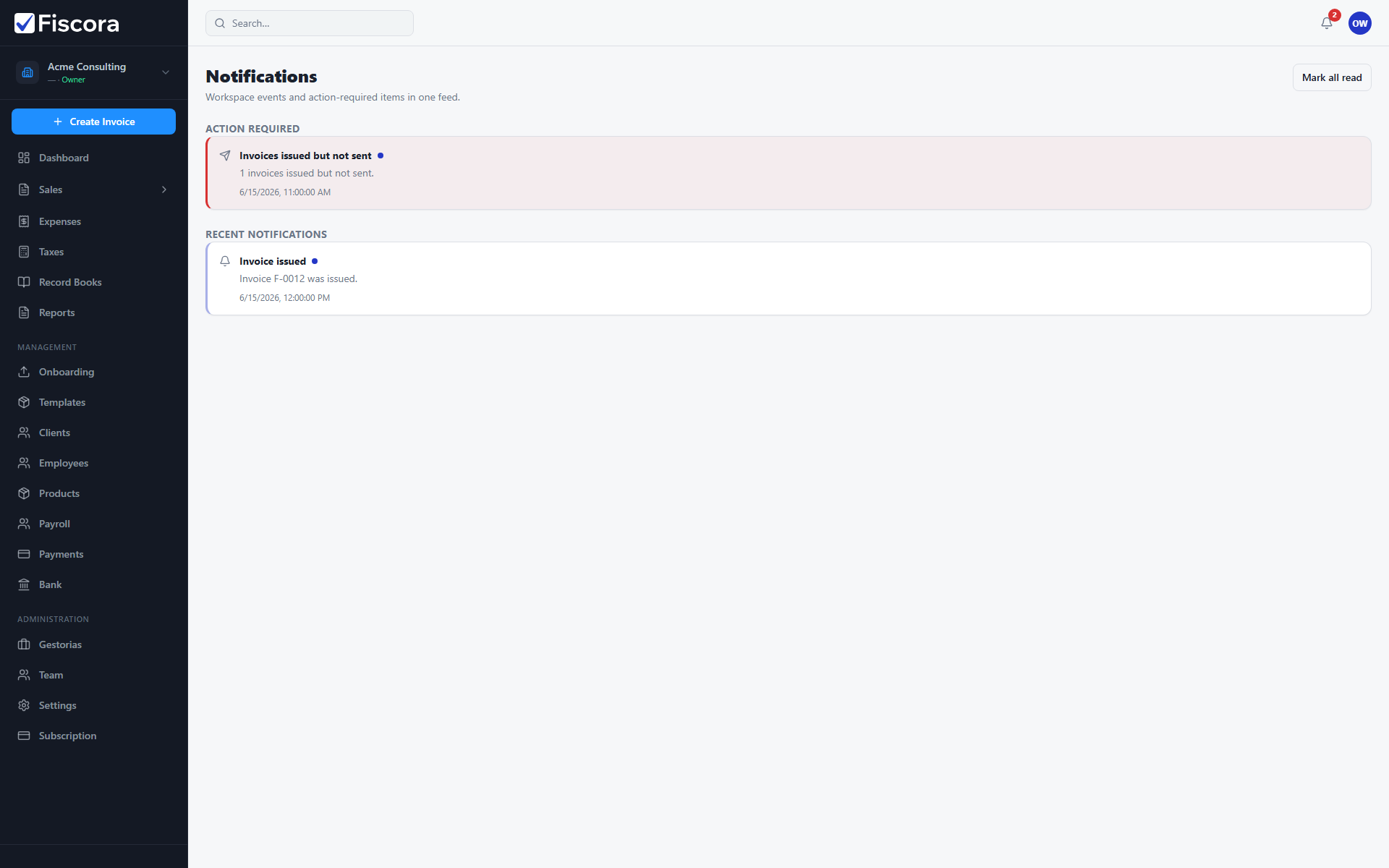
Notifications page with Action required and Recent notifications sections.

Open notifications

  1. Select the bell icon in the top bar, or open Notifications from the navigation.
  2. Review unread items marked with a highlight dot.

Action required

  1. Check the Action required section first for overdue invoices, expenses to review, or tax reminders.
  2. Select an item to jump to the related screen.

Recent notifications

  1. Use Recent notifications for informational events such as issued invoices or completed exports.
  2. Select Mark all read when you have reviewed the feed.

Was this article helpful?

Still need help?

Share the context and we'll reply with practical guidance from support.

Open request

You may also find these useful

Getting started

Getting started with your workspace

Learn the first screens to check when you log in and where to find invoicing, clients, expenses, and settings.

Read article
Getting started

How to use the dashboard

Understand the summary cards, required actions, and recent activity so you can spot what needs attention quickly.

Read article
Getting started

How to set up your workspace on day one

Complete the essential setup steps so your company profile, clients, and invoice defaults are ready before you bill.

Read article