
When repeat work uses the same customer and pricing, open the original issued invoice to copy client and line details. See how to duplicate an invoice and how to start a new invoice.
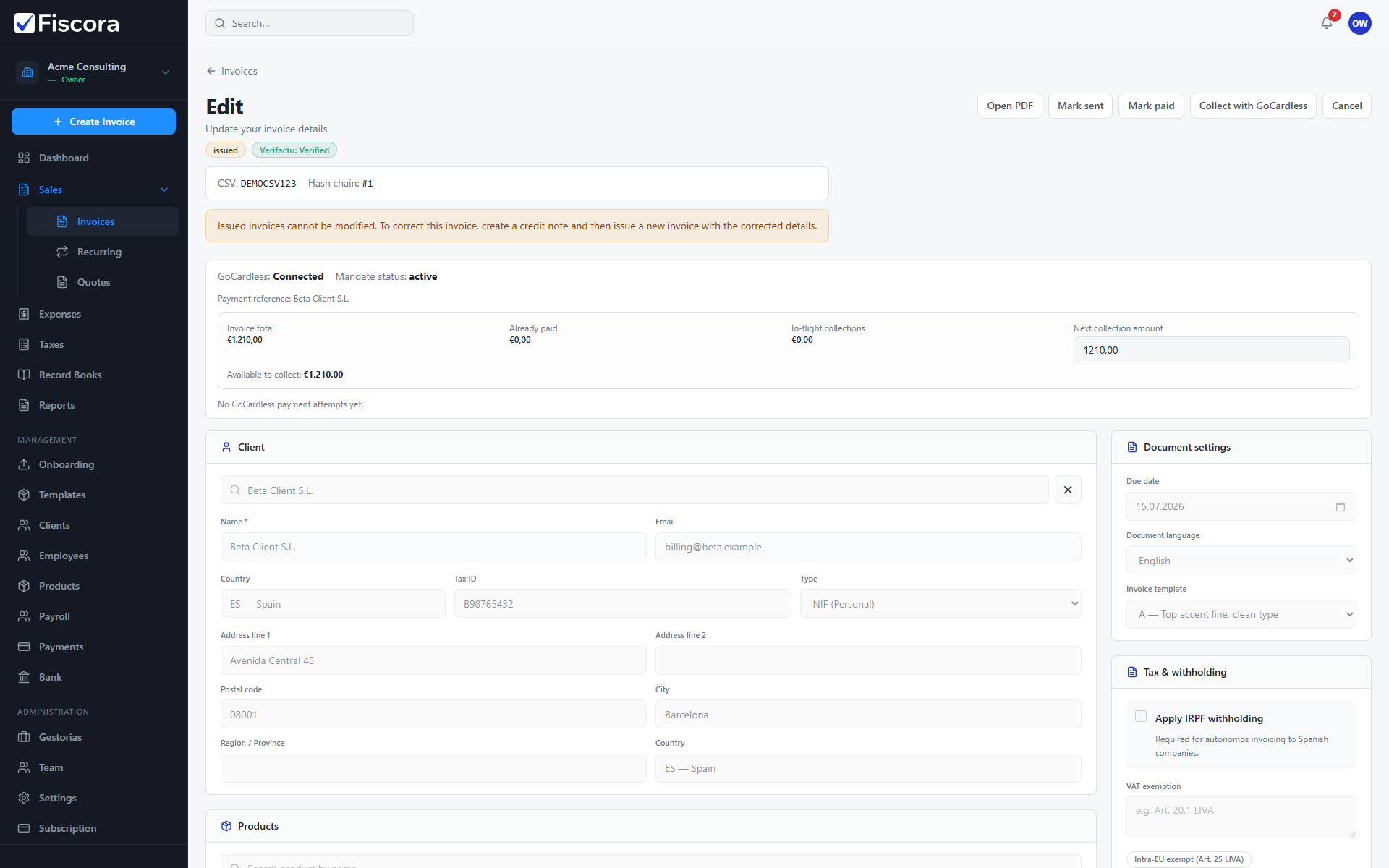
Review the reference invoice
- Open Sales → Invoices.
- Open the issued invoice you want to reuse.
- Note client, line descriptions, quantities, VAT, and totals.
Create the next invoice
- Select Create invoice.
- Choose the same client and replicate line items.
- Adjust dates and amounts for the new billing period before issuing.