
New invoices are created from the invoices section. Start from the list view and use the action button in the top-right area.
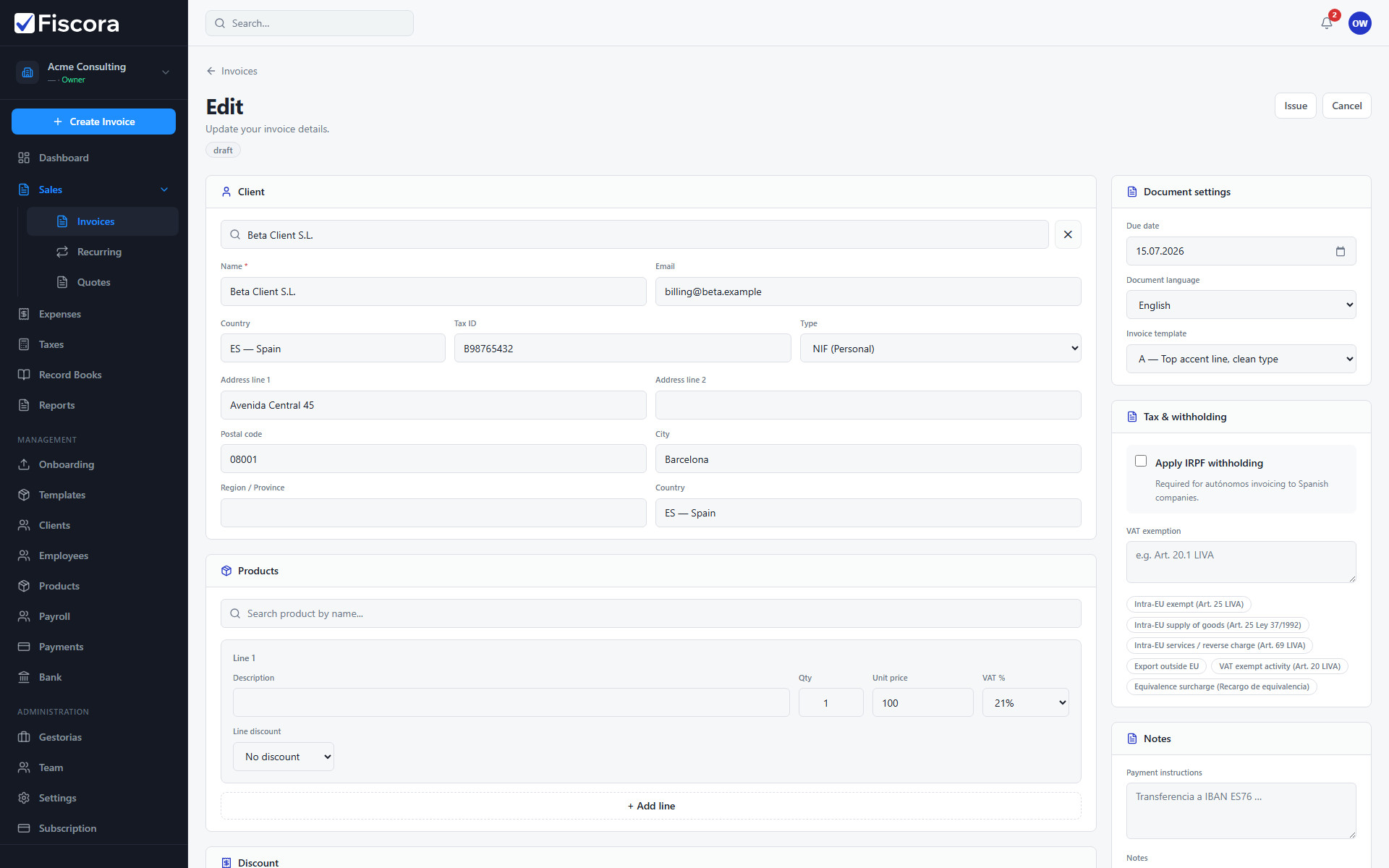
Create a new invoice
- Open Sales and then Invoices.
- Select Create invoice.
- Choose the client, invoice date, and due date. If the customer is not in the list yet, create the client first.
- Add the products or services that should appear on the document — see how to create a product to build your catalog.
- Save the draft if you want to finish it later, or issue it when everything is complete.
Edit an existing draft
- Return to the invoices list and filter to Draft if needed.
- Open the draft invoice you want to continue editing.
- Update client details, lines, or dates before issuing it.