
The expenses area helps you see which supplier documents are confirmed and which still need manual review.
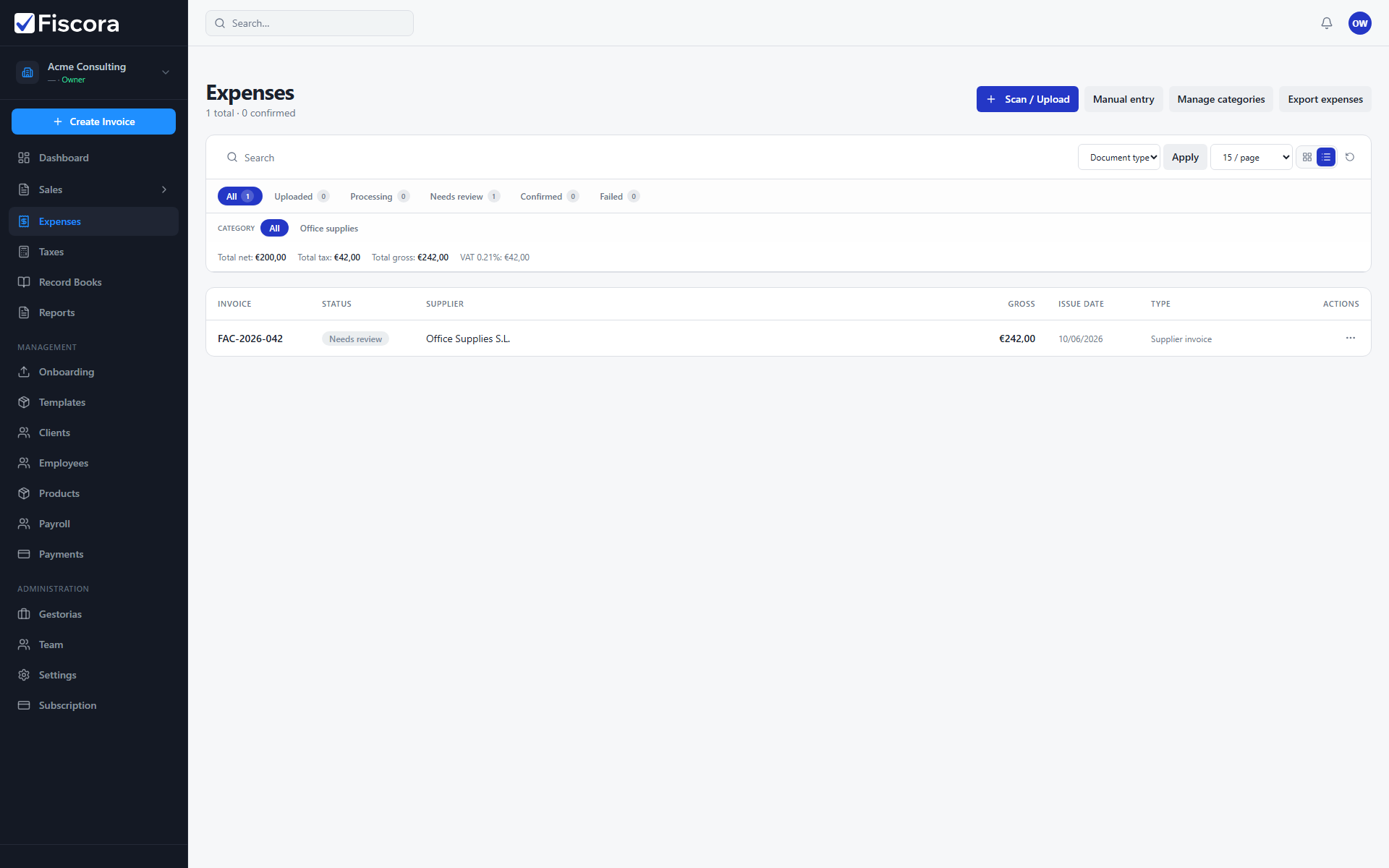
Review the expense queue
- Select Expenses in the left navigation.
- Use the status tabs to separate confirmed expenses from those that still require review.
- Use Scan / Upload for documents that should be read with AI — see how to upload a receipt or bill.
- Use Manual entry when you want to register an expense directly yourself — see how to enter an expense manually.
What to watch for
- Expenses marked as requiring review still need a human check before final confirmation.
- See how to confirm an expense when you are ready to approve a reviewed item.
- Confirmed expenses are ready for reporting and export workflows.