
Manual entry is useful for simple supplier bills, cash expenses, or cases where OCR upload is not available. See how to upload a receipt or bill for scan upload, then how to confirm an expense.
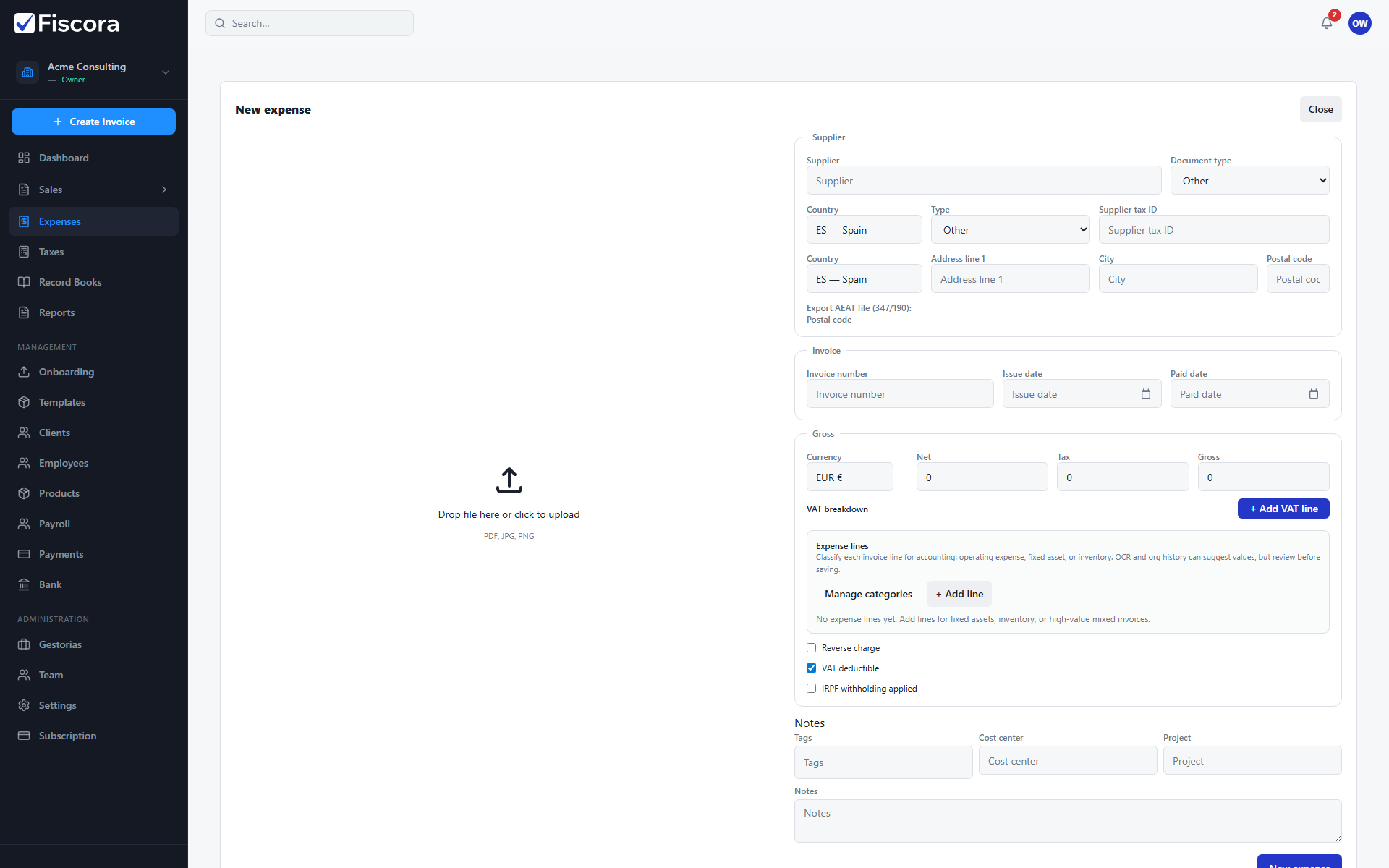
Open manual entry
- Select Expenses in the left navigation.
- Choose Manual entry, or open /app/expenses/new directly.
Fill supplier details
- Enter supplier name, tax ID, and invoice number when available.
- Set issue date, amounts, VAT breakdown, and currency.
- Add notes or categories if your workflow requires them.
Create the expense
- Select New expense to save the record.
- Review and confirm the expense when all required fields are complete.