
Team access and gestoría access solve different problems. See how to invite your team for coworkers and how to find and request a gestoria for external firms.
When to use Team
- Invite coworkers who should work inside the same organization daily.
- Assign roles such as admin, accountant, or viewer depending on how much they should edit.
- Use Team for employees, co-founders, or in-house finance staff who need a workspace login.
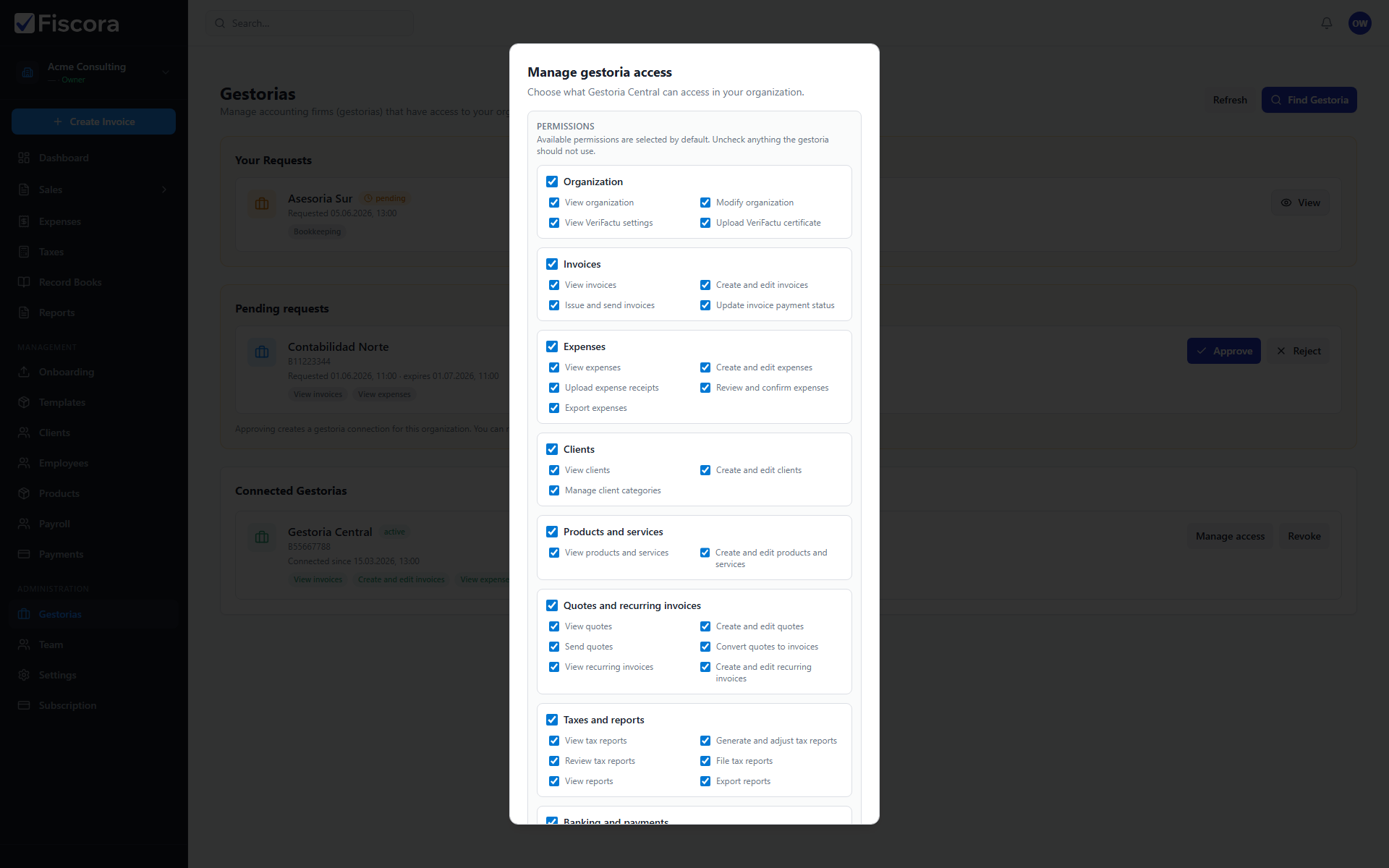
When to use Gestorias
- Connect an external accounting firm or tax advisor instead of adding them as employees.
- Grant module permissions such as invoices, expenses, or reports rather than full organization control.
- Revoke gestoria access when you change advisors without deleting internal team members.
Key differences
- Team members share one organization; gestorias connect across organizations with scoped access.
- Owners and admins manage Team; you approve or limit each gestoria connection separately.
- A user can belong to your Team and also work for a gestoria, but those access paths remain separate.