
Products and services store reusable billing items for your organization. See how to create a product and how to edit a product to maintain the catalog.
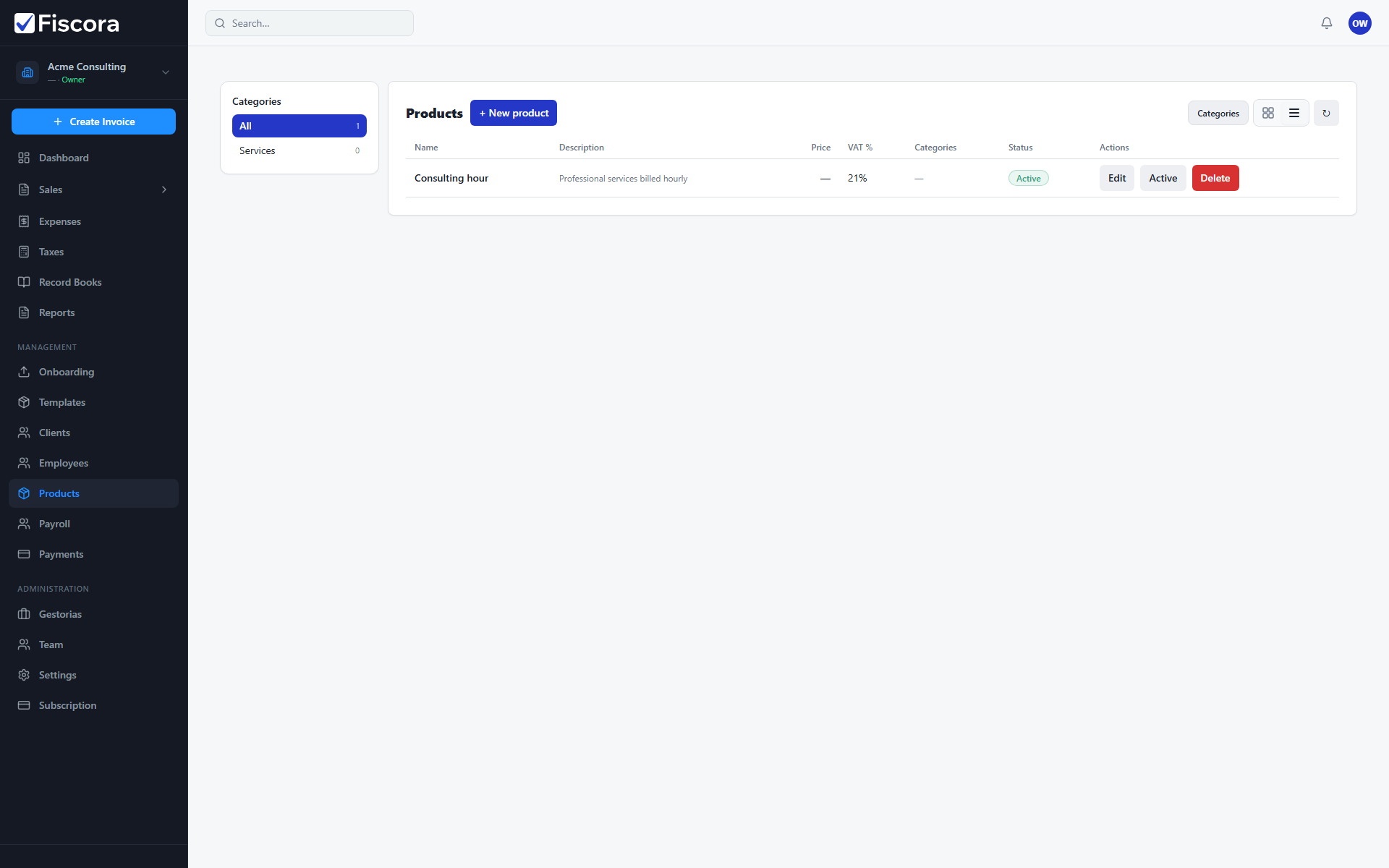
Open the catalog
- Expand Management in the left navigation.
- Select Products.
- Switch between card and table view if you prefer a different layout.
Add a product or service
- Select New product.
- Enter the name, description, net price, and VAT rate.
- Optionally set a default line discount for repeat promotions.
- Save the record so it appears in the catalog.
Use categories
- Open category management when you want to group related items.
- Filter the list by category to find products faster.
- Keep inactive or obsolete items out of the catalog so search stays clean.