
Organization settings

How to manage data and privacy settings

Export organization data and manage GDPR consents from the Data & privacy section.

1 min readUpdated 10.07.2026

The Data & privacy section gives organization owners tools to export workspace data and manage communication consents. See how to review organization access and security for team access.
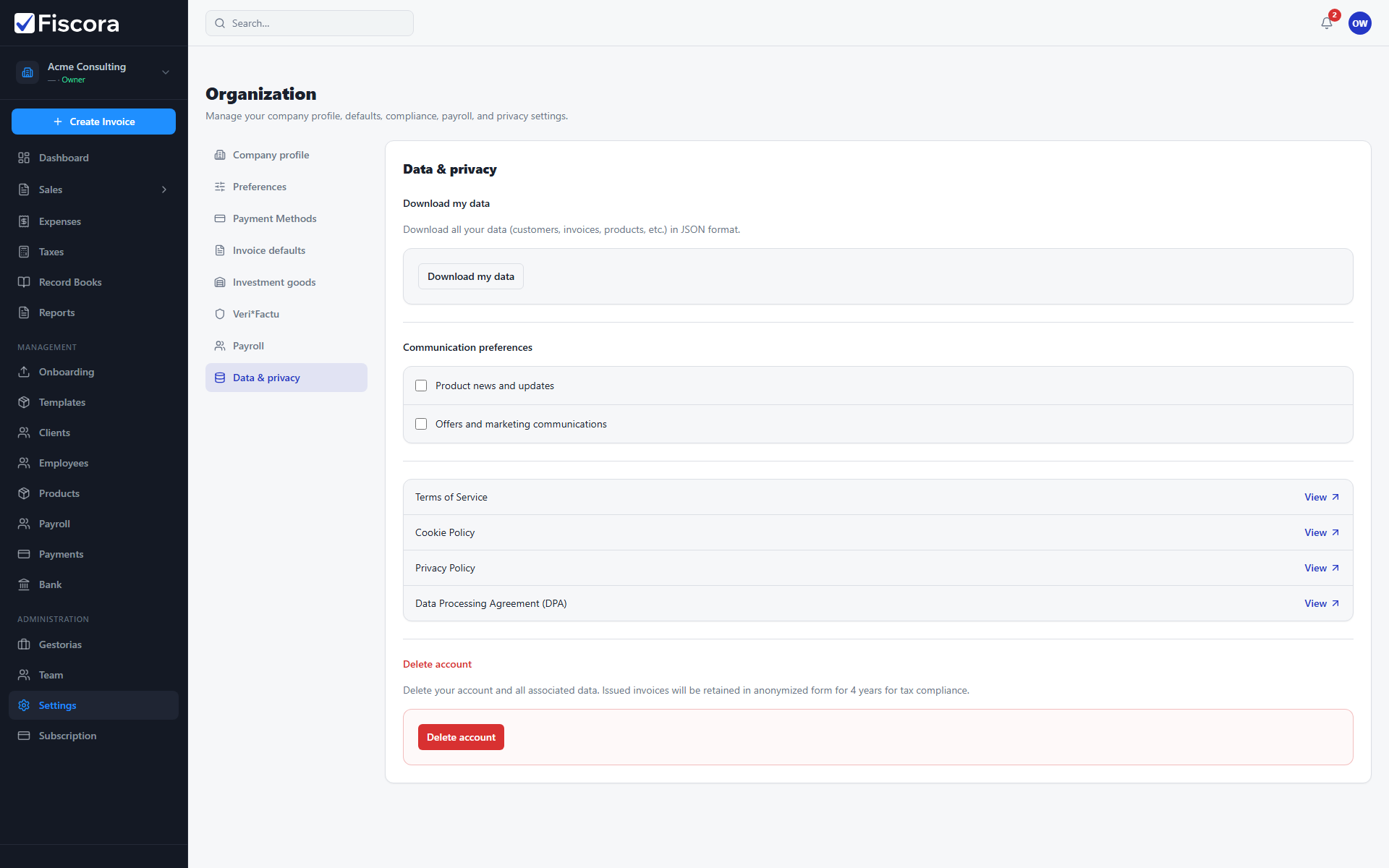
Data and privacy settings with Download my data action.

Open Data & privacy

  1. Select Settings in the left navigation.
  2. Choose Data & privacy in the settings sidebar.

Export data

  1. Organization owners can select Download my data to receive a JSON export.
  2. Store exports securely and share only with authorized advisors — see how to share documents with your firm when working with a gestoria.

Manage consents

  1. Toggle product news or marketing consents as needed.
  2. Changes save immediately for the signed-in user context.

Was this article helpful?

Still need help?

Share the context and we'll reply with practical guidance from support.

Open request

You may also find these useful

Organization settings

How to update organization settings

Review your legal company profile and contact details so new invoices are issued with accurate business information.

Read article
Organization settings

How to update company legal details

Keep legal name, tax ID, company type, and billing address current in organization settings.

Read article
Organization settings

How to change invoice defaults

Set default series, payment terms, and other invoice presets so new documents start with the right values.

Read article