
Organization settings control the business details used across your workspace. It is a good idea to review them before sending invoices to real clients.
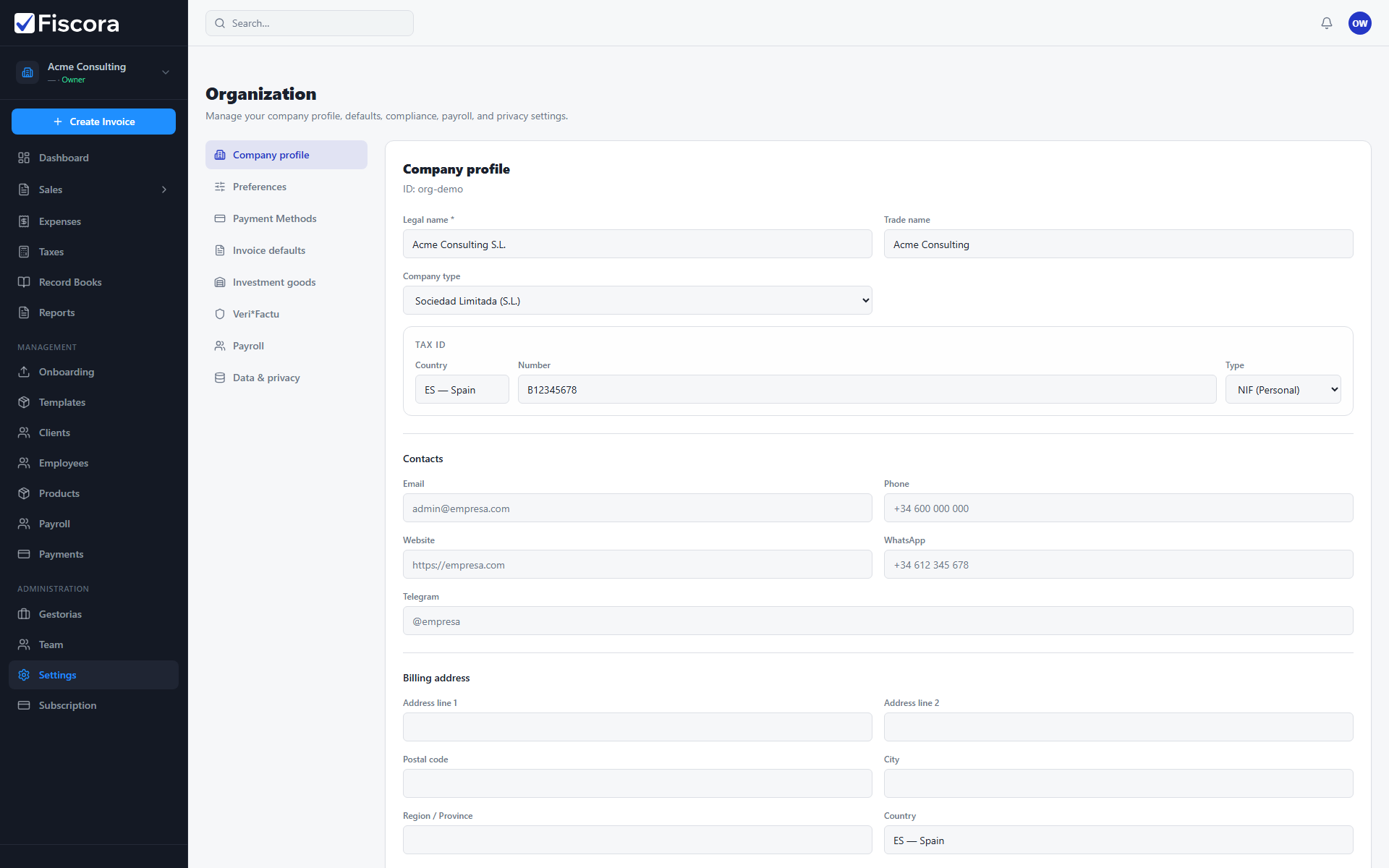
Update your company profile
- Open Settings in the left navigation.
- Stay in the Company profile tab to review legal name, trade name, tax details, and contacts.
- For field-by-field guidance, see how to update company legal details.
- Update address and communication details so documents match your current business information — see how to manage branding and contact details.
- Select Save after making changes.
Why this matters
- Your invoices and other records rely on these details.
- Also review invoice defaults and day-one setup when onboarding a new workspace.
- Keeping the profile current helps avoid rework when customers or accountants review your documents.