
Organization settings

How to change invoice defaults

Set default series, payment terms, and other invoice presets so new documents start with the right values.

1 min readUpdated 10.07.2026

Invoice defaults save time when you create new invoices. They pre-fill common values such as series and payment terms while still letting you adjust each document before issuing. See how to update company legal details and how to manage branding and contact details for related settings.
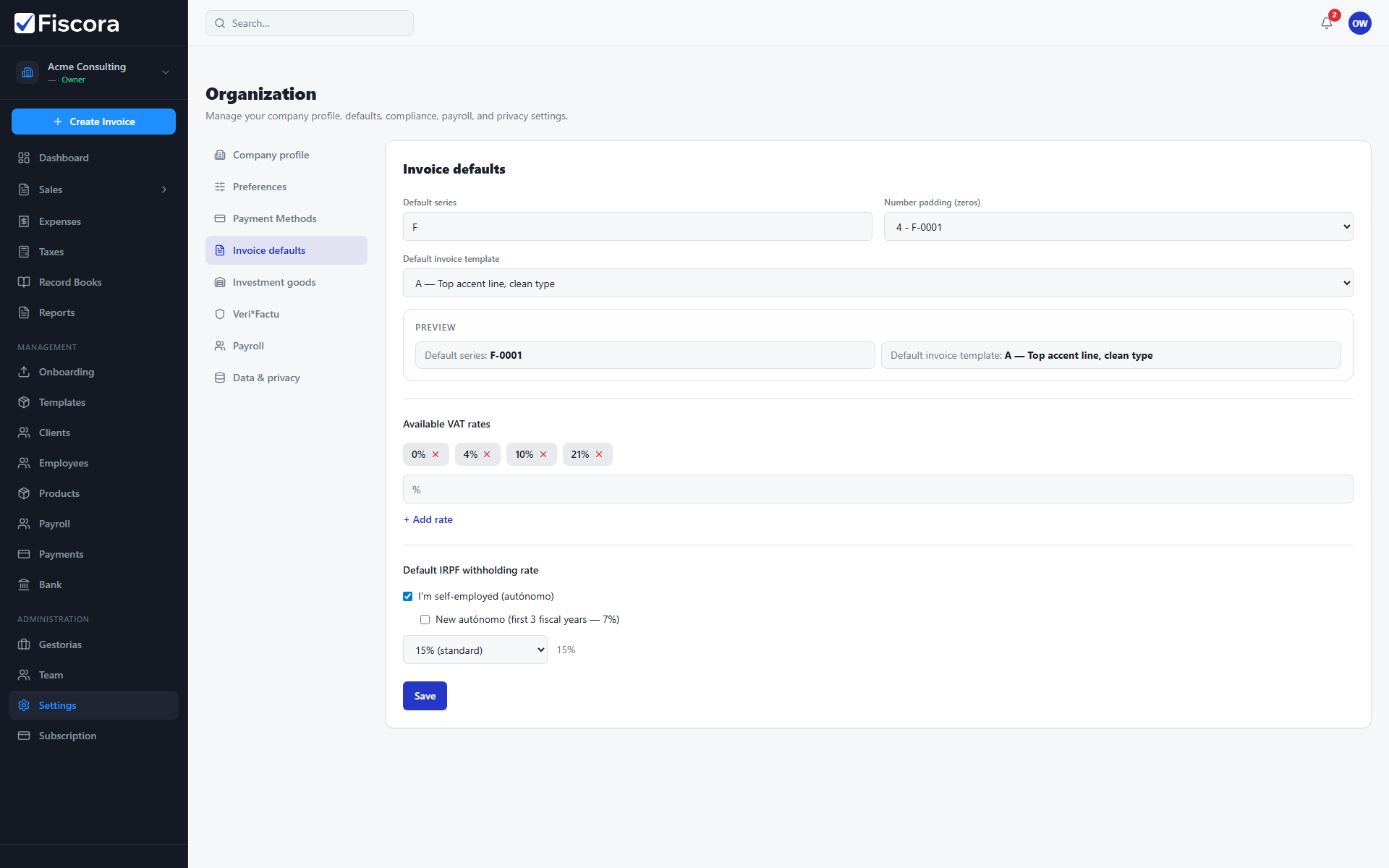
Invoice defaults settings with default series and payment terms fields.

Open invoice defaults

  1. Select Settings in the left navigation.
  2. Open the Invoice defaults section in organization settings.
  3. Review the current default series, payment terms, and related invoice options.

Update defaults

  1. Change the default series if your numbering structure changed.
  2. Adjust payment terms in days to match how you usually bill customers.
  3. Update any other default fields shown on this tab.
  4. Select Save to apply the new defaults.

What defaults affect

  1. New invoices pick up these values when you create them.
  2. Existing issued invoices are not changed retroactively.
  3. Combine defaults with client records for faster, more consistent billing.

Was this article helpful?

Still need help?

Share the context and we'll reply with practical guidance from support.

Open request

You may also find these useful

Organization settings

How to update organization settings

Review your legal company profile and contact details so new invoices are issued with accurate business information.

Read article
Organization settings

How to update company legal details

Keep legal name, tax ID, company type, and billing address current in organization settings.

Read article
Organization settings

How to configure tax and financial preferences

Set VAT presets, default IRPF withholding, and investment-goods rules so invoices and expense reporting match your tax setup.

Read article