
Veri*Factu settings control whether issued invoices are chained and submitted under Spanish AEAT rules. See how to get a Veri*Factu certificate, how to upload a Veri*Factu certificate, and how to issue an invoice.
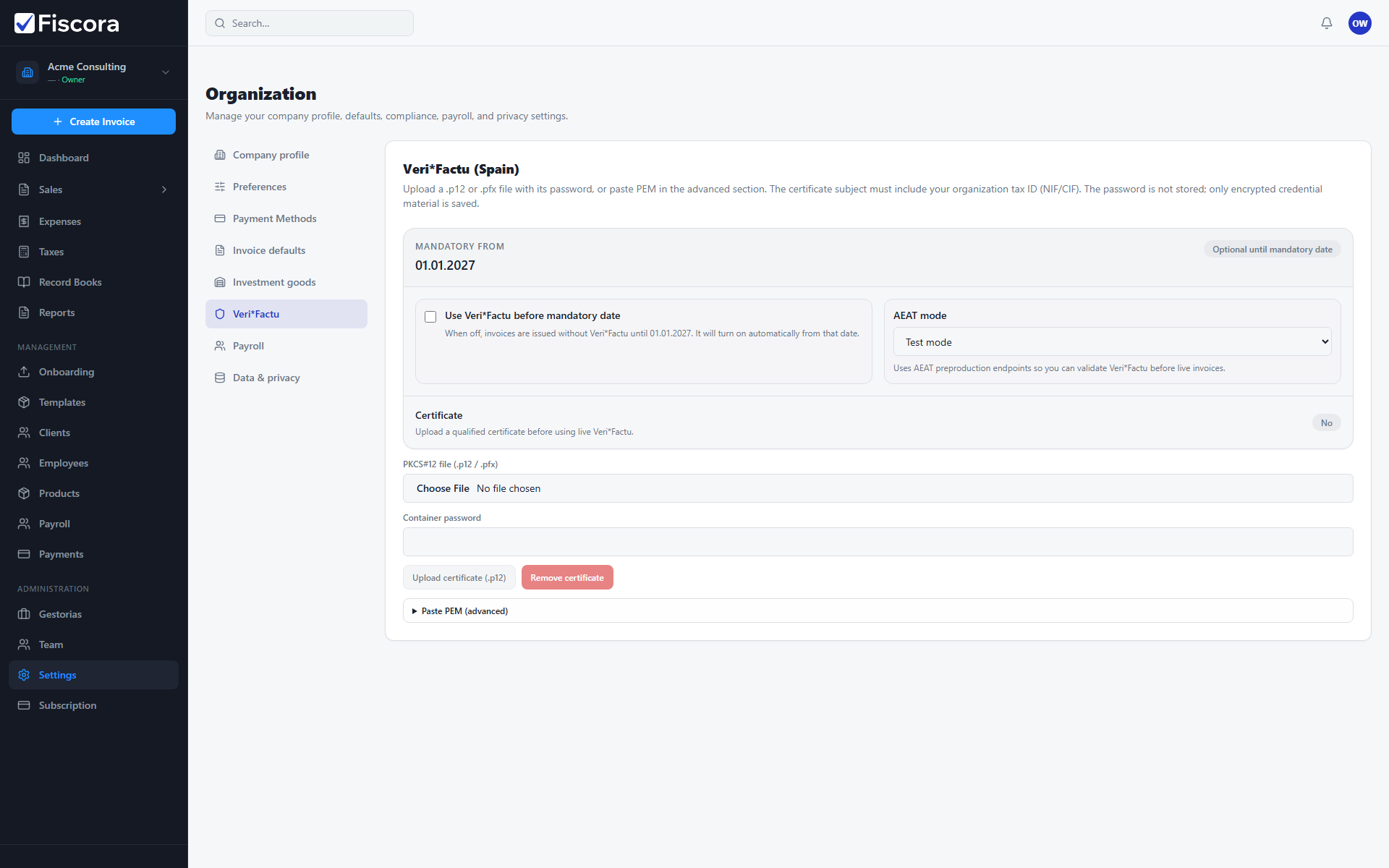
Open Veri*Factu settings
- Select Settings in the left navigation.
- Open the Veri*Factu section.
- Review the mandatory date badge and current server status.
Choose mode and timing
- Enable early Veri*Factu use before the mandatory date if you want to test issuing.
- Select AEAT mode test or live depending on your rollout stage.
- Save settings after changing mode or early-use options.
Upload a certificate
- Upload a .p12 or .pfx certificate that matches your organization tax ID.
- Enter the certificate password when prompted — it is not stored in plain text.
- Confirm the certificate status shows ready before issuing live Veri*Factu invoices.