
The onboarding wizard helps you decide how Fiscora should treat your existing business history. See how to set up your workspace on day one after cutover and how to change invoice defaults.
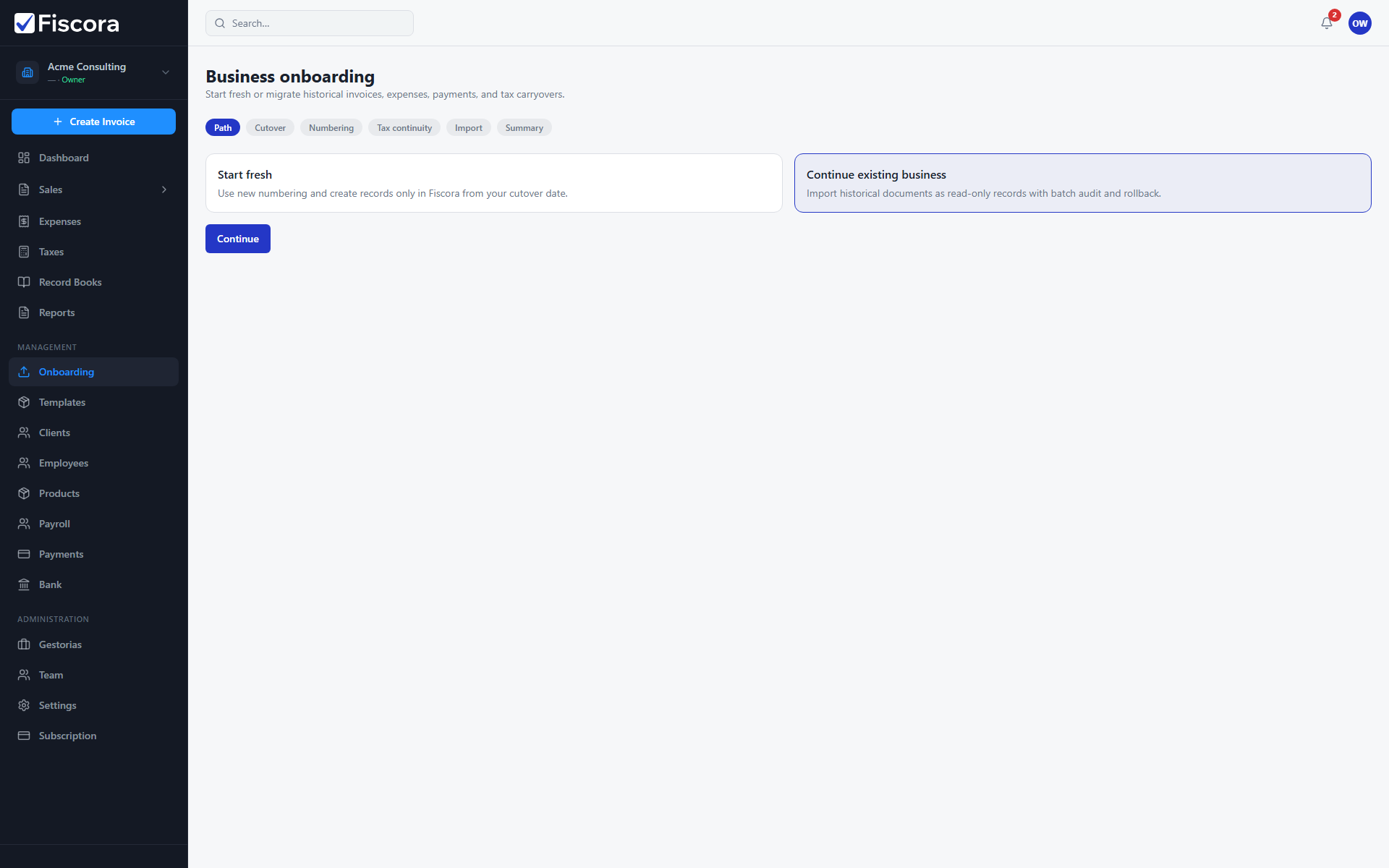
Open onboarding
- Select Onboarding from the left navigation under Management.
- Review the two paths: Start fresh and Continue existing business.
Start fresh
- Choose Start fresh when you do not need historical invoices or expenses in Fiscora.
- Set your cutover date and numbering preferences.
- Configure invoice defaults before issuing your first native invoice.
Continue existing business
- Choose Continue existing business to import historical documents.
- Download the CSV or XLSX template for the record type you need.
- Preview the file, fix invalid rows, then commit the import batch.
- Use batch rollback if you need to undo a committed import.