
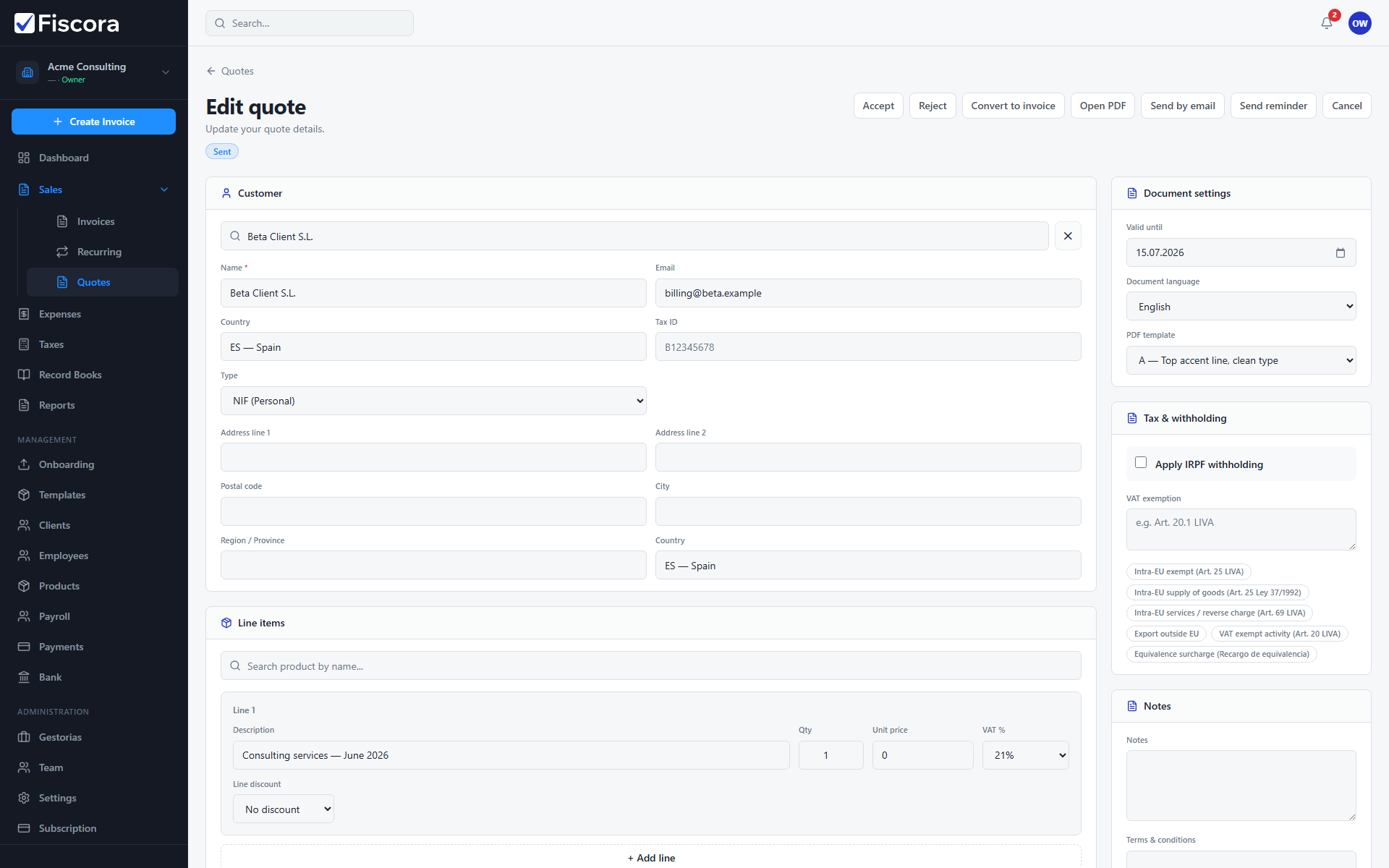
Converting a quote creates a linked draft invoice that copies the customer, line items, and totals already approved. See how to accept a quote, how to send a quote, then how to issue an invoice.
When conversion is available
- The quote must be in Sent or Accepted status.
- Quotes already converted to an invoice cannot be converted again.
- You need write access to quotes and invoices.
Convert the quote
- Open Sales → Quotes and select the quote.
- Review client details, line items, and totals one last time.
- Select Convert to invoice.
- Confirm the action when prompted.
After conversion
- Fiscora opens the new draft invoice linked to the quote.
- Issue and send the invoice through the normal invoice workflow.