
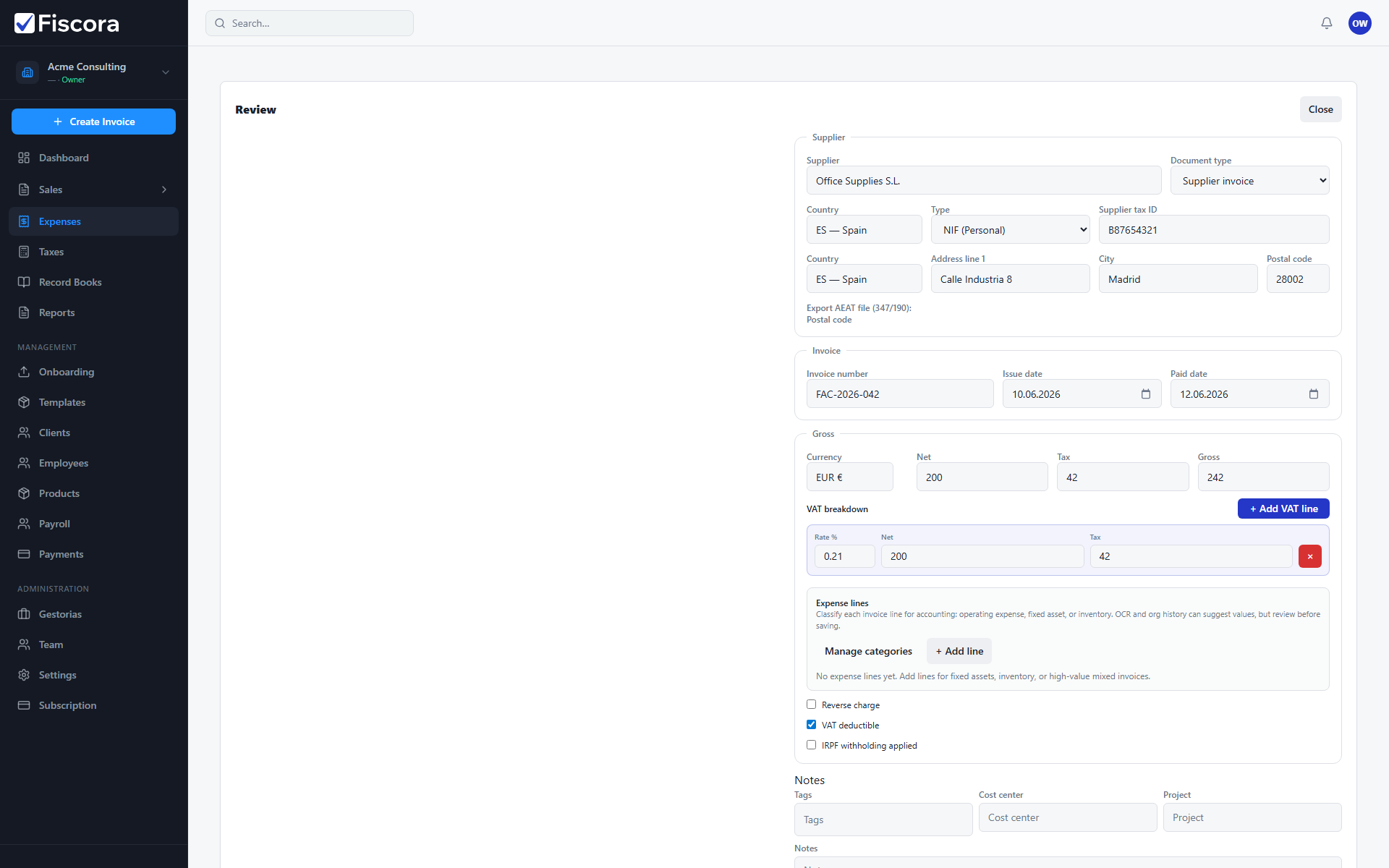
Fiscora compares supplier, invoice number, and dates against existing expenses to warn you about possible duplicates during AI review — see how to confirm an expense before you finalize.
When duplicates are flagged
- Open an expense in Needs review or confirm a manually entered expense.
- Fiscora checks for matching supplier invoices already stored in the organization.
- A yellow warning banner lists the possible duplicate records.
What to do next
- Open the listed matching expense and compare supplier, invoice number, date, and amount.
- If it is the same document, cancel confirmation and remove or ignore the duplicate upload.
- If the records are different, continue reviewing and confirm when the data is correct.
Before confirming
- Read the duplicate confirmation prompt carefully if it appears after you select Confirm.
- Confirm again only when you are sure the expense is not already recorded.
- Keeping duplicates out at review time makes reports and tax exports more reliable.