
The Fiscora assistant is a support chat available on every workspace screen. It answers common how-to questions and can open a support ticket when your issue needs a person. For browsing articles or replying to tickets, use Help & Support in the sidebar.
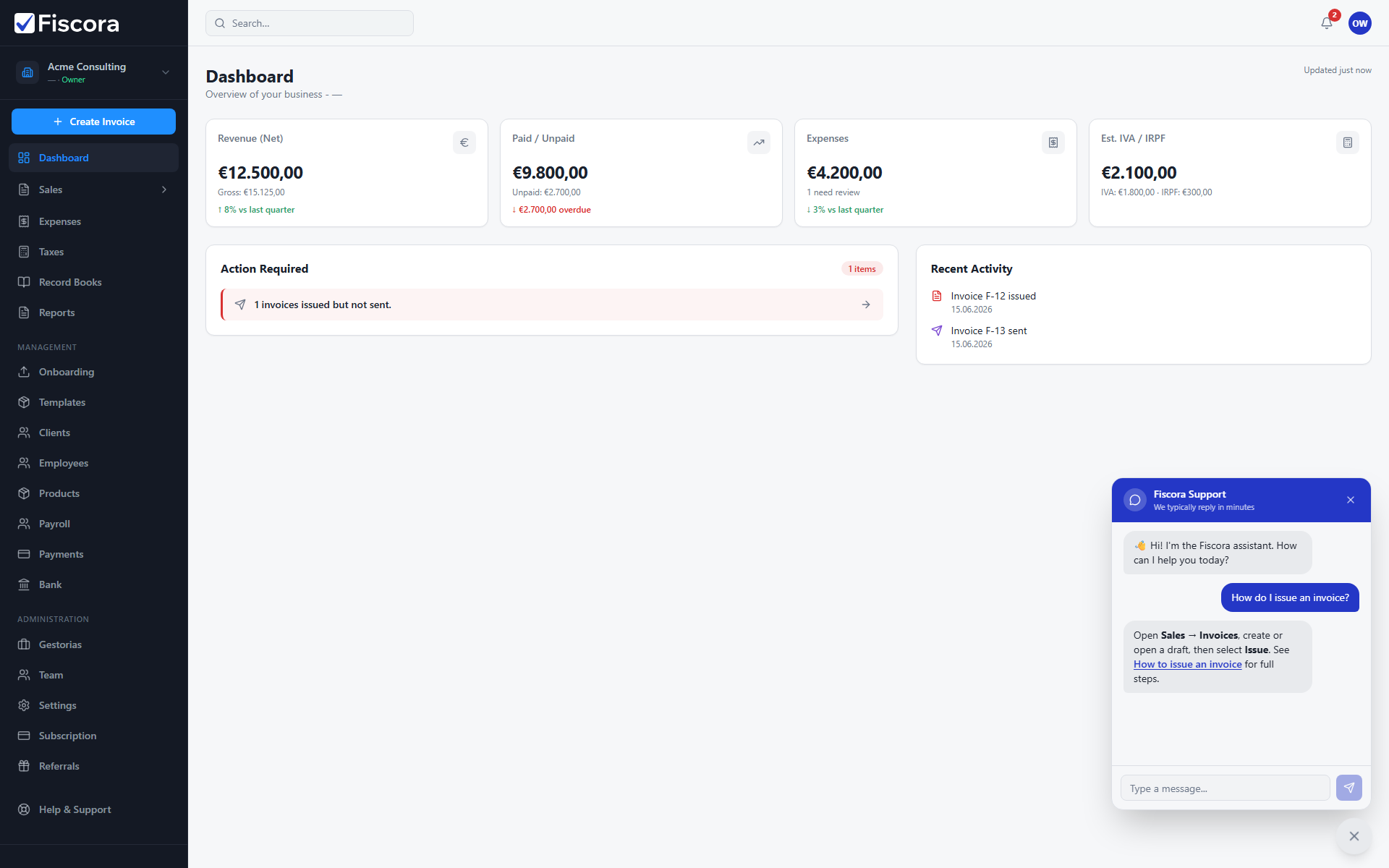
Open the assistant
- Look for the round chat button at the bottom-right of the workspace.
- Select it to open the chat panel.
- Type your question in the message field and send it.
What the assistant can do
- Answer questions about invoices, expenses, taxes, payroll, and other Fiscora workflows.
- Reply with bold text and clickable links to related Help Center articles when relevant.
- Remember the page you were on when you sent the message so support has context.
When a support ticket is created
- If the assistant cannot resolve your issue, it creates a support ticket automatically.
- The confirmation message includes the ticket reference and a link to view it under Help & Support → My tickets.
- Track replies there or follow how to get help and track support tickets for the full workflow.
Tips
- Describe what you tried and any error message you saw.
- For navigation help, see also where to find key actions in the workspace.
- Close the panel with the X button; reopen it anytime from the same chat button.