
Marking an invoice as paid updates its status so your reports and dashboard reflect that the customer has paid. See how to view and manage invoices for the list overview, and how to track payments and allocations when you record receipts in the payments ledger first.
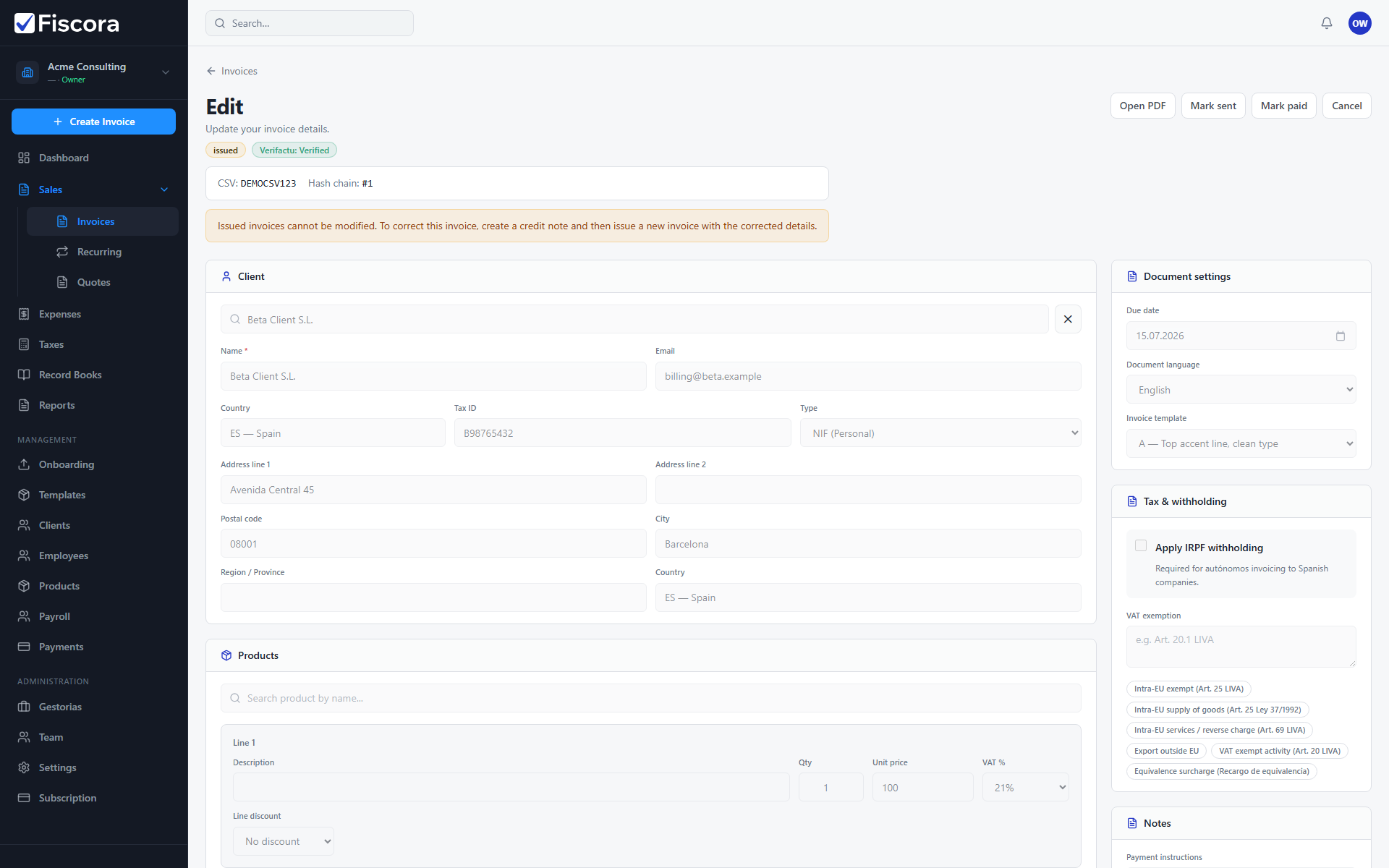
When you can mark an invoice as paid
- The invoice must be issued or sent. Draft invoices cannot be marked as paid.
- Credit notes and void invoices do not use this action.
Mark paid from the invoice detail
- Open Sales and then Invoices.
- Open the invoice you want to update.
- Select Mark paid in the top action area.
Mark paid from the invoices list
- Open the row actions menu (three dots) for the invoice.
- Select Mark paid.
- The invoice status changes to Paid and appears in paid filters and dashboard totals.